
The On Demand section is an important part of your fitness app. This section is where the user can watch videos that you upload to your app. Your users can select an On Demand video to watch regardless of what Plan they are currently in. On Demand is a hub to store your video content and organise them into "Collections". You can modify, update, and add new On Demand collections and videos at anytime and your app will be updated automatically. The Hype Burst Dashboard is designed to give you the maximum amount of customisation when creating an On Demand collection and video so the power is in your hands of what type of content you want to publish!
What is an On Demand collection?
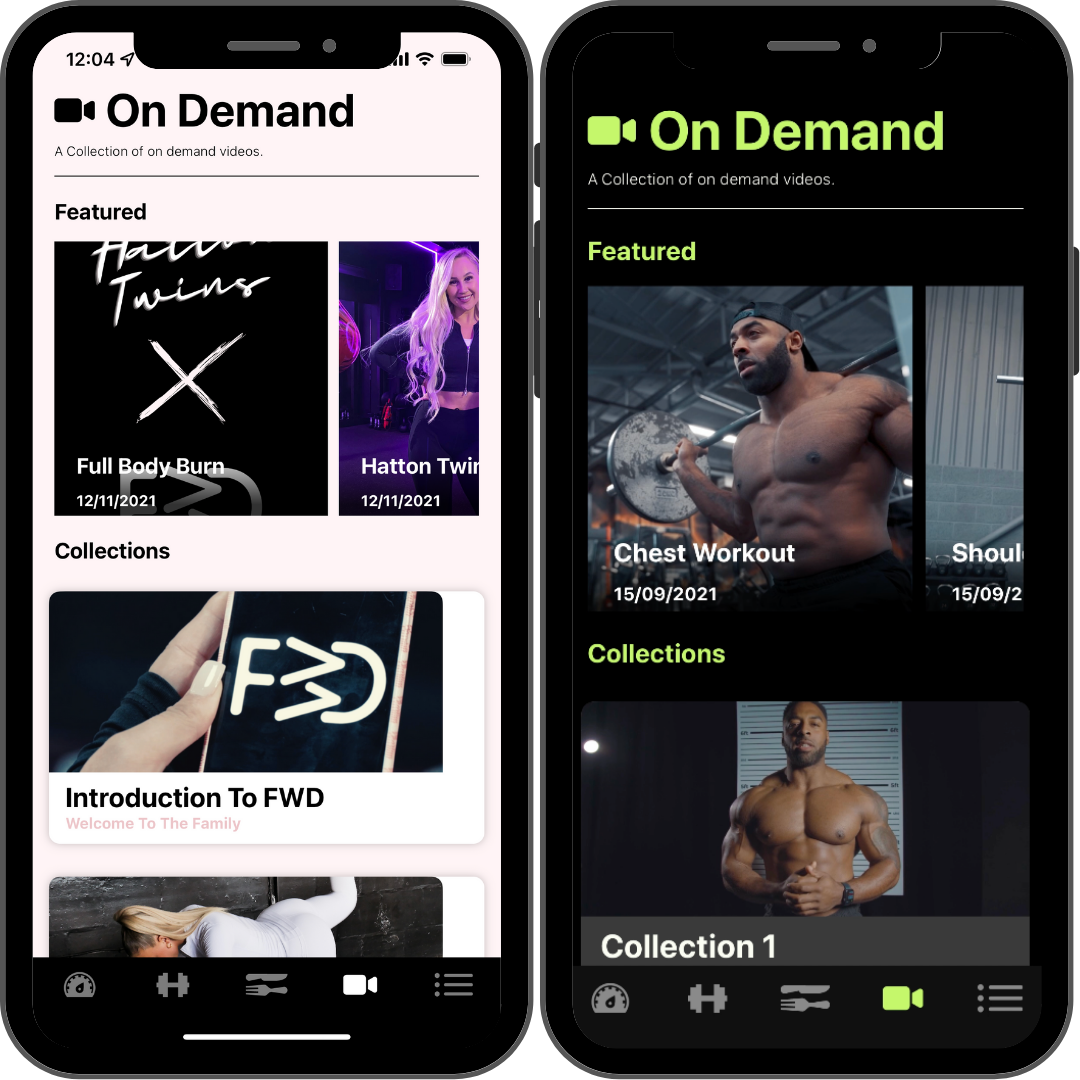
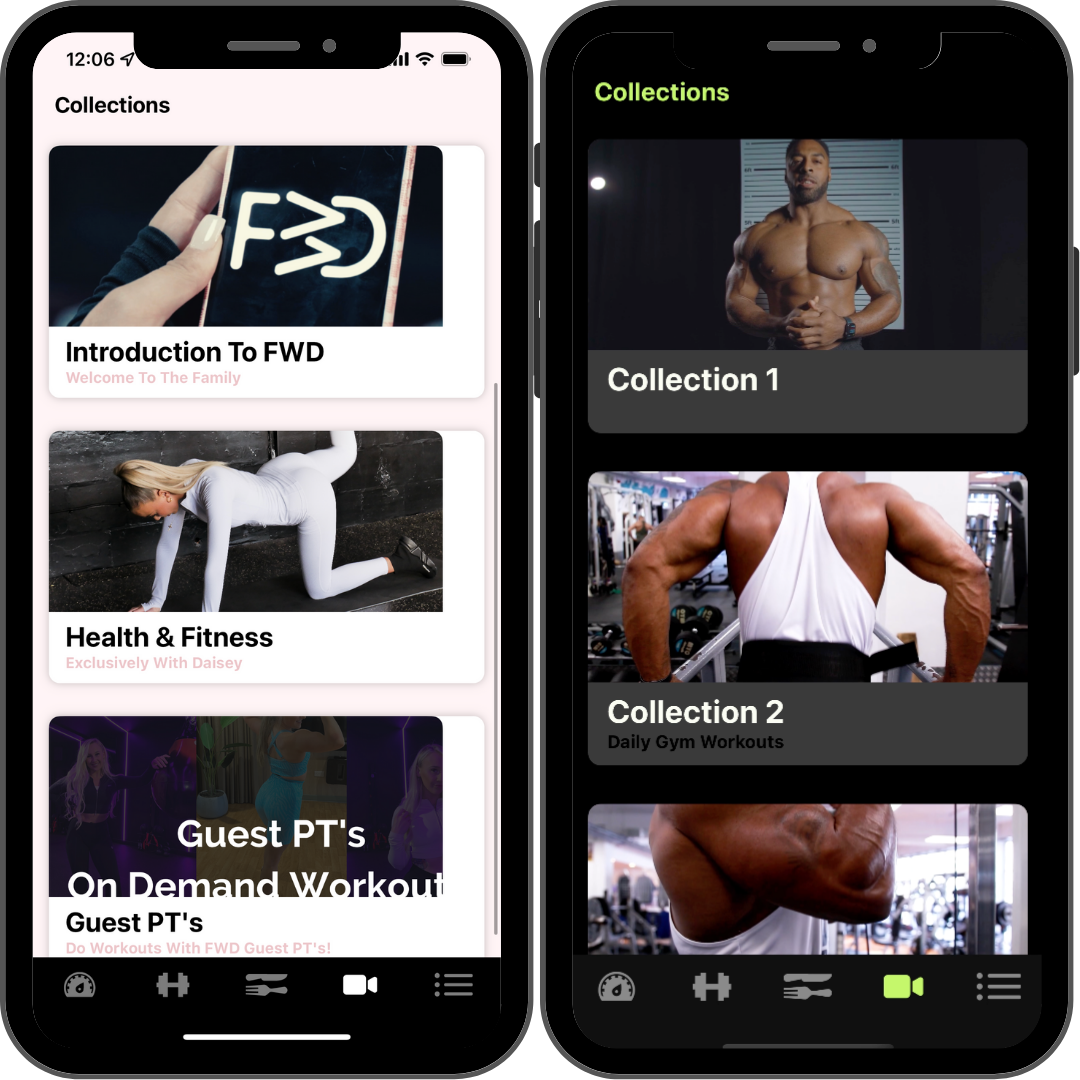
An On Demand collection is a section to break up the On Demand videos in your fitness app. For example, you could have a collection named "Cooking With Me" or "HIIT At Home Workouts". It is completely up to you how you choose to organise your On Demand videos. In these collections, you will upload videos to them that the user can access in the app. You can also choose to have videos featured which users can see in the Featured section at the top of the On Demand section in the app.
What does the On Demand section consist of?
On Demand Collection
On Demand collections are made up of videos. They are the main section and once you have that you can add videos to that section. It is up to you how you want to arrange them.
Read the guide on adding On Demand Collections here: https://hypeburst.zendesk.com/hc/en-gb/articles/4411161098641-How-to-add-an-on-demand-collection-
Featured Videos
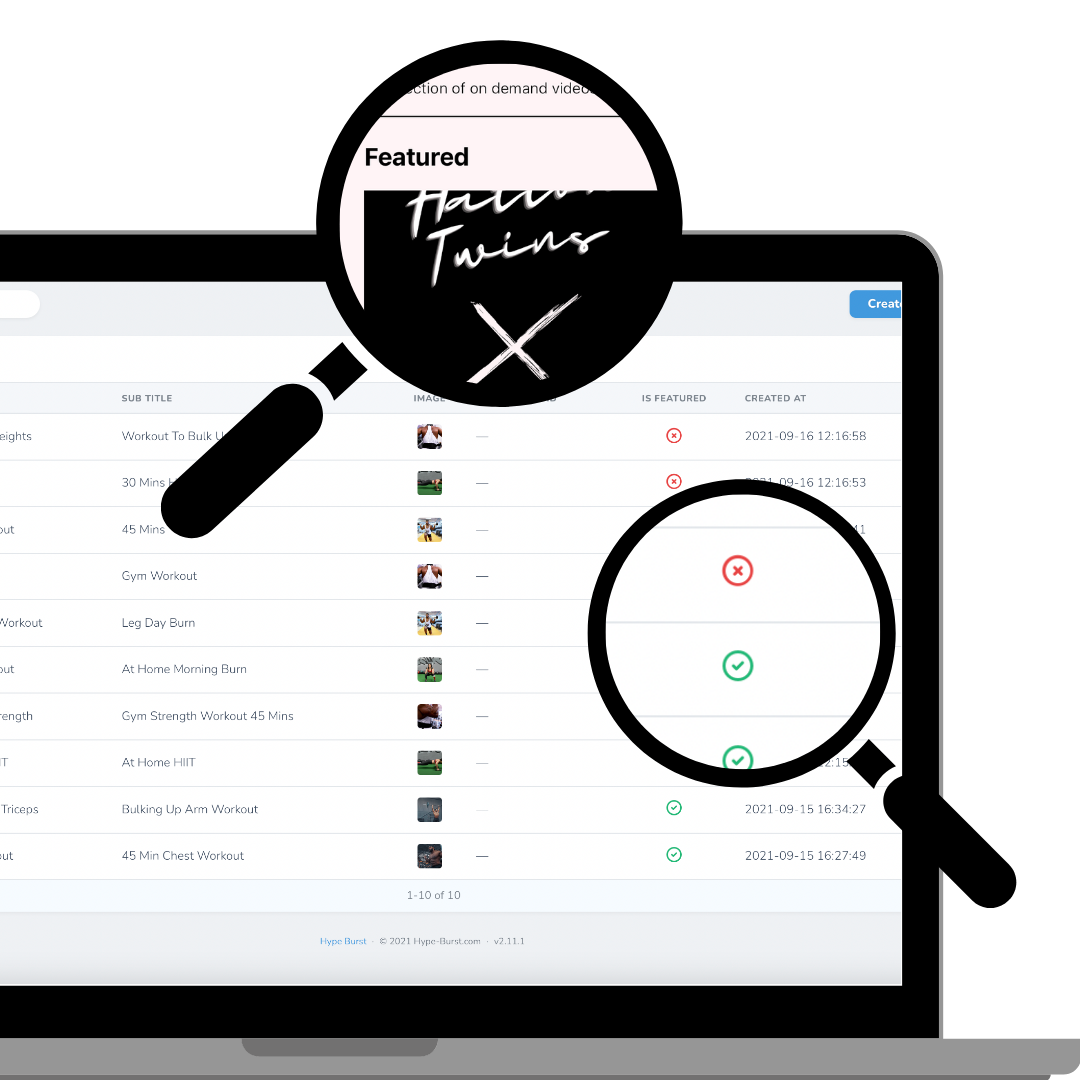
Featured videos are just On Demand videos that you choose to be featured. It is up to you which ones you want to feature. They would be shown at the top of the On Demand section in the app above the collections. These videos would still be assigned to a collection but them being featured is almost like a shortcut to access the video.
Read the guide on adding On Demand videos here: https://hypeburst.zendesk.com/hc/en-gb/articles/4411168967057-How-to-add-an-on-demand-video
On Demand Videos
On Demand collections are made up of videos. Once you have created your collections, you can now add videos to these collections (sections). In the Dashboard, you will find this as 'On Demand Videos' in the left panel. You can upload any type of video you choose. They are designed for longer videos that can be followed along with.
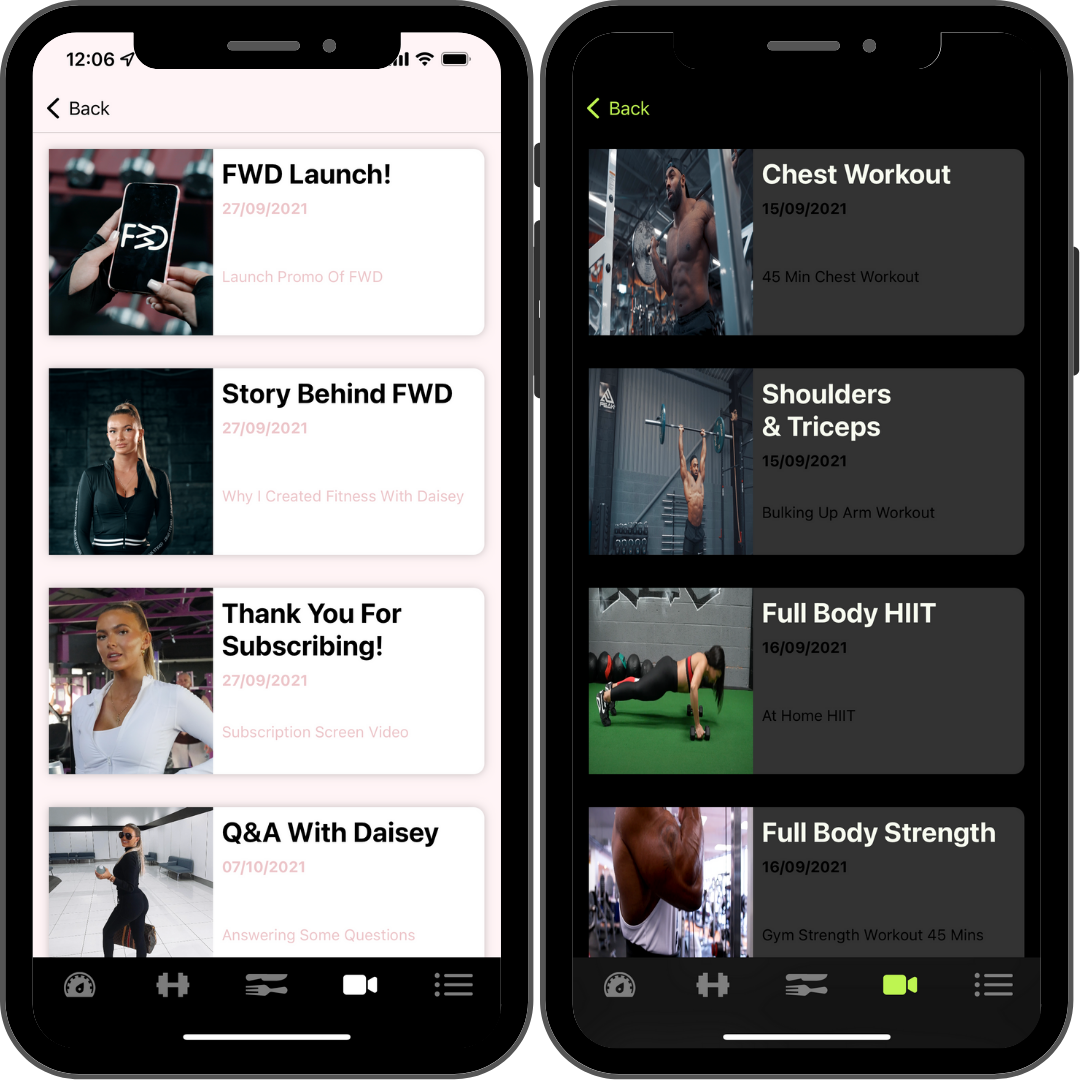
In the example above, the videos range from a Q&A style to a full chest workout. It all depends on what type of videos you want to upload.
Read the guide on adding On Demand videos here: https://hypeburst.zendesk.com/hc/en-gb/articles/4411168967057-How-to-add-an-on-demand-video
How do I create an On Demand collection?
Log into your dashboard at https://www.hype-burst.com and start to create the On Demand collections that will feature in your fitness app.
STEP ONE: Upload your On Demand videos
STEP TWO: Create an On Demand collection
STEP THREE: Attach the On Demand videos you want to have in that collection from the dropdown menu
Comments
0 comments
Please sign in to leave a comment.