
To publish an app to the Apple App Store, you must include a link to your App's terms of use in the App Description.
Adding in App Terms of Use
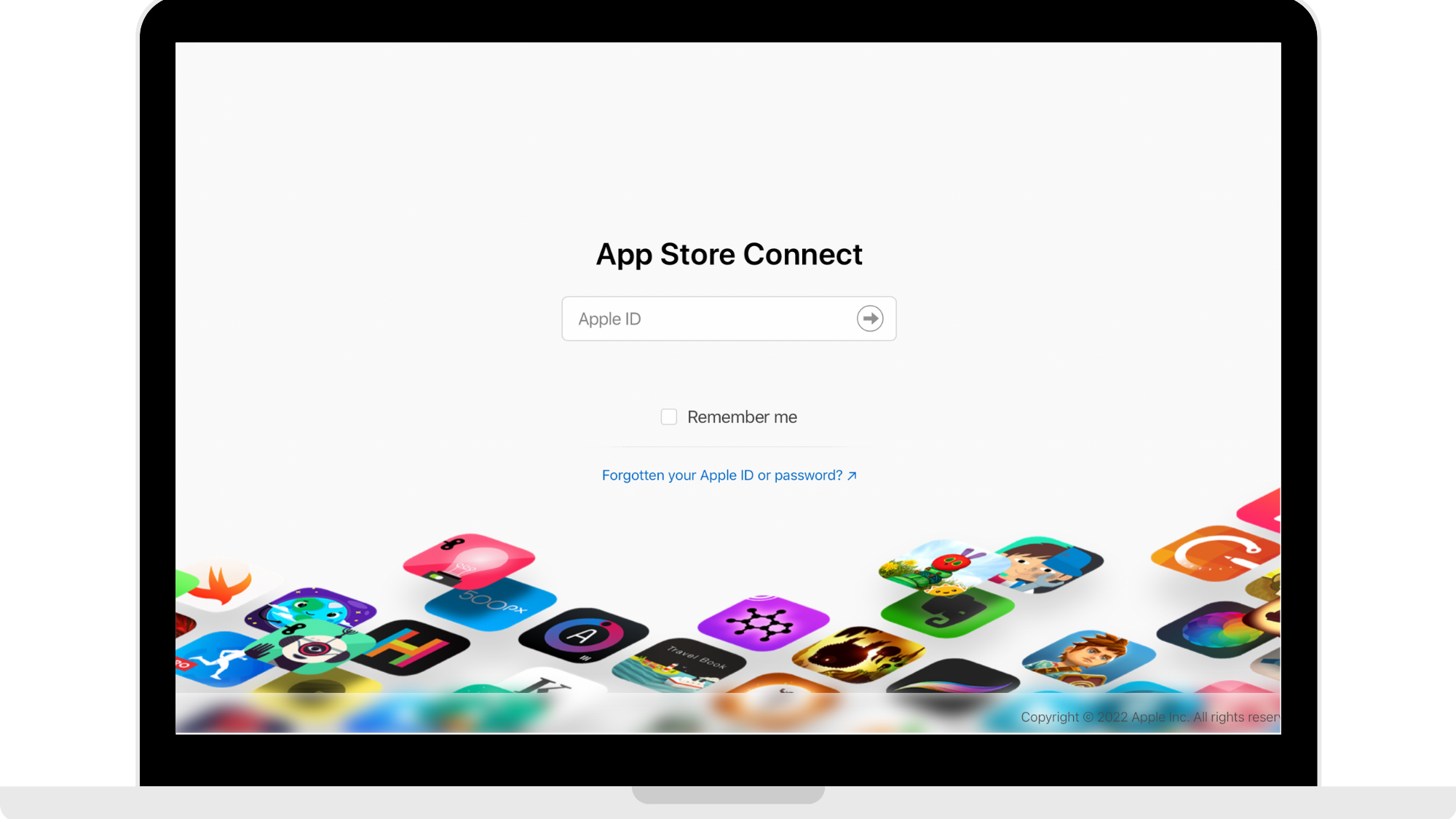
Step 1: Log into your App Store Connect
Head to https://appstoreconnect.apple.com and log in using your Apple Developer account.
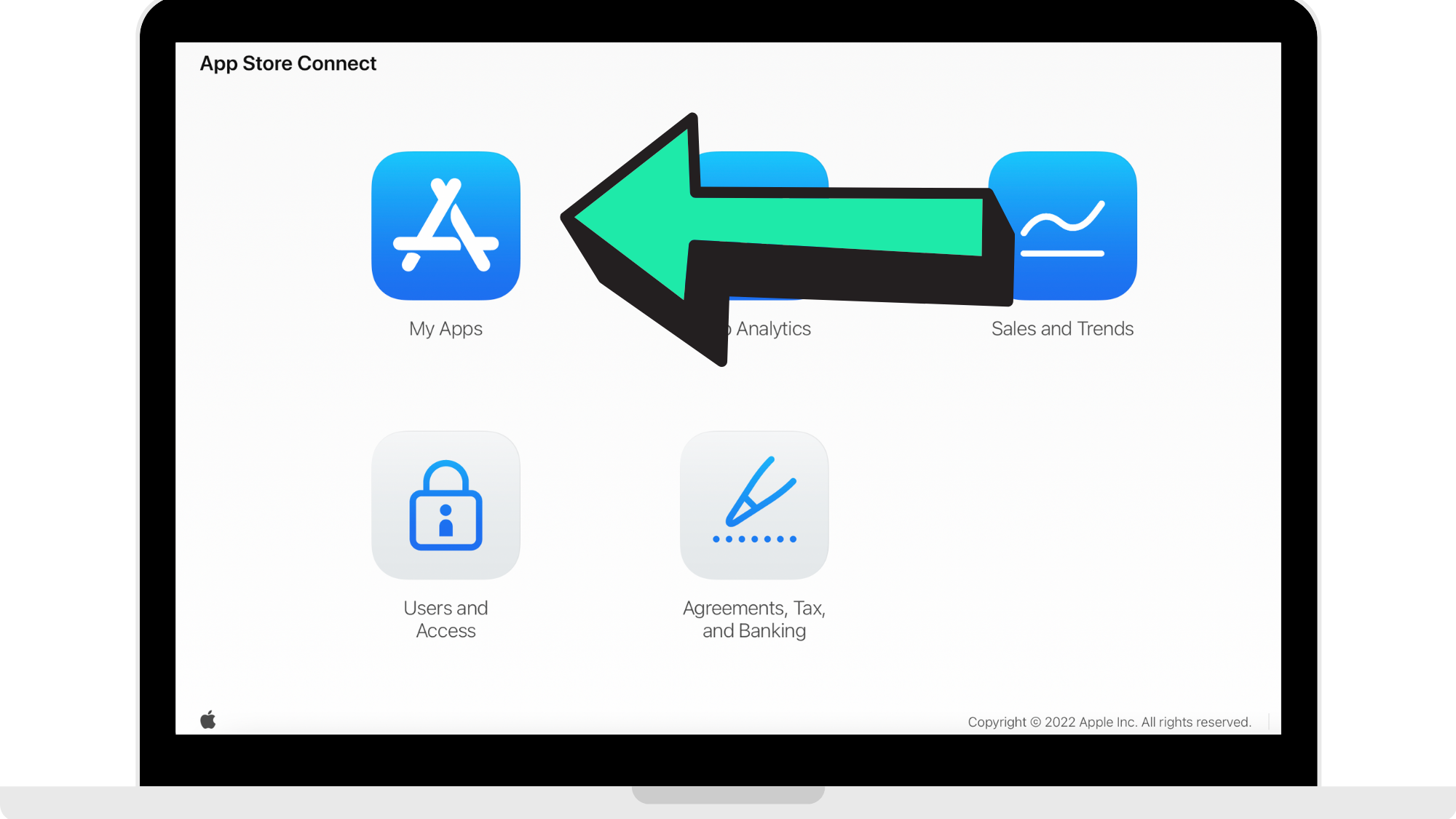
Step 2: Click 'My Apps'
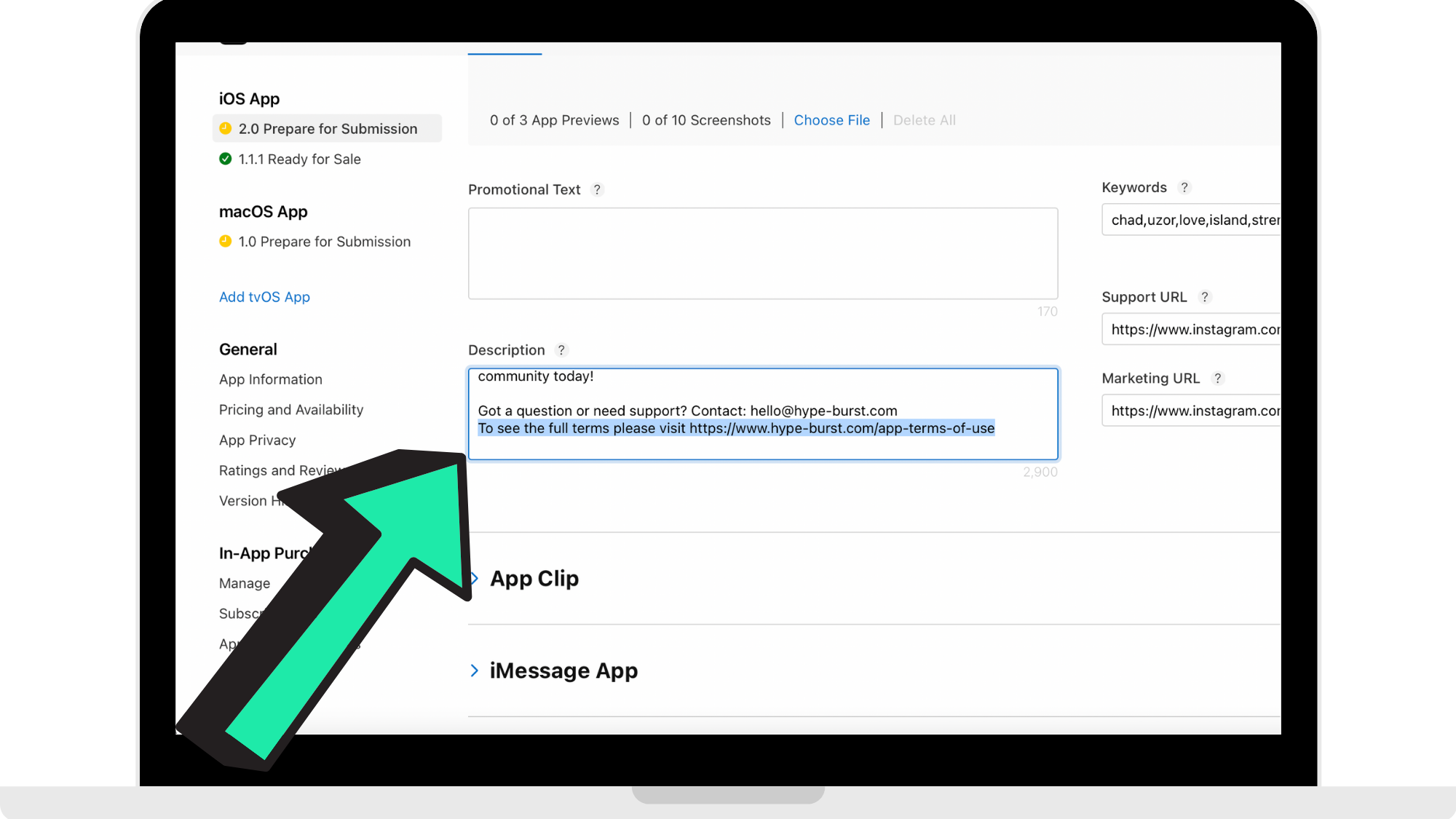
Step 3: Paste in App Terms of Use
In the 'Description' field, enter in the app terms of use. You can copy and paste the following:
To see the full terms please visit https://www.hype-burst.com/app-terms-of-use
You can paste this at the bottom of your description like the reference image below.
If you have not yet entered your description for your app, please refer to the guide on how to add in your App Description here: https://hypeburst.zendesk.com/hc/en-gb/articles/4416405444753-Adding-Your-App-Description-
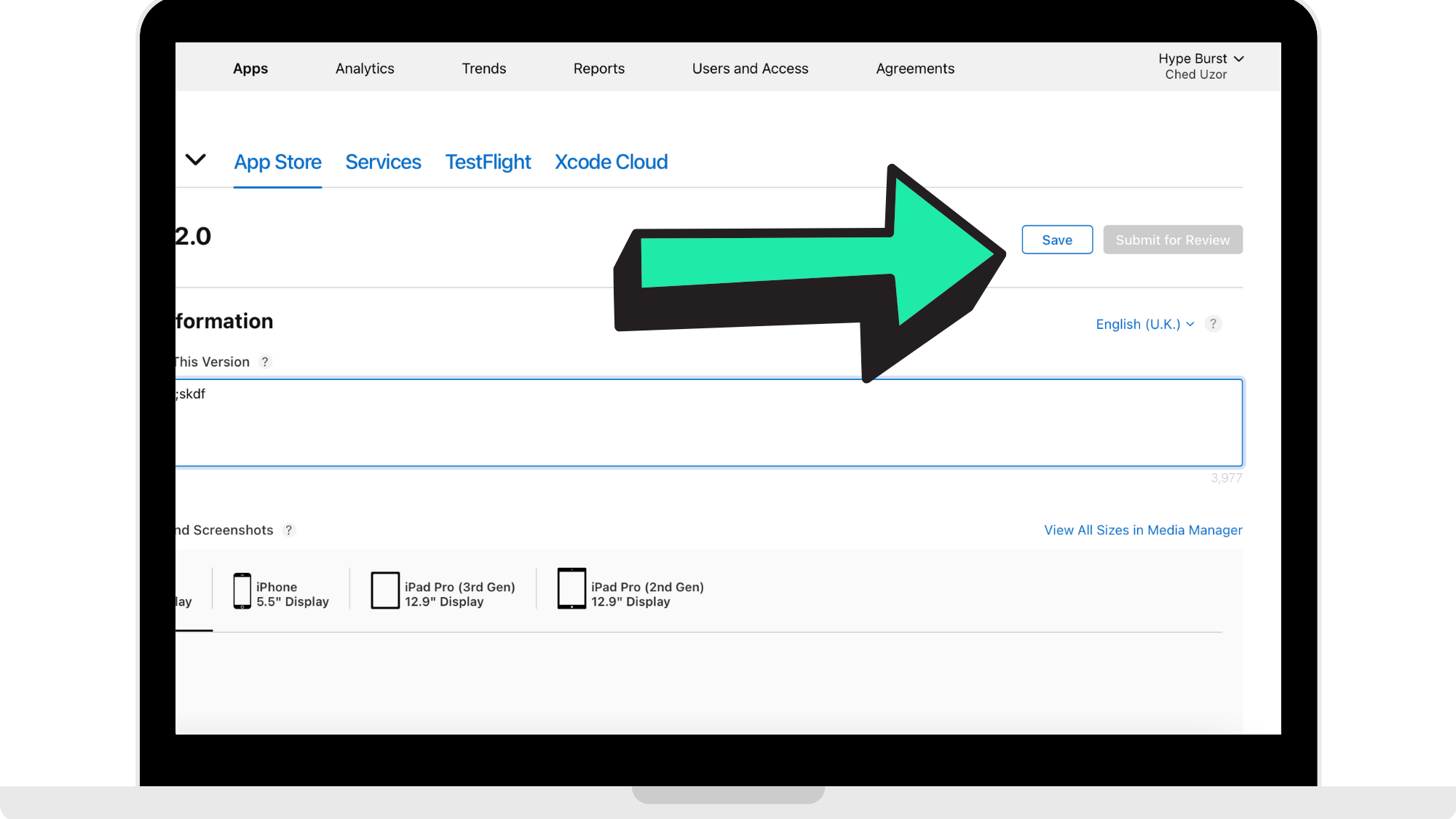
Step 4: Press 'Save'
Once you have entered in the App Terms of Use, press 'Save'.
How to get started
Head to https://appstoreconnect.apple.com and log in using your Apple Developer account to start insert the App Terms of Use in the 'Description' field.
Comments
0 comments
Please sign in to leave a comment.