
App Store descriptions are a great tool for marketing your app and helping potential customers understand more about it. You cannot publish your app without a description.
You can upload your app description directly to the Apple App Store and Google Play Store. You must follow the guidelines for each platform, otherwise your app may be rejected from publication. E.g. your app description MUST include a link to your terms of service.
Note: Hype Burst can create your app description for an additional fee. Please contact us with your requirements.
Adding App Description to Apple
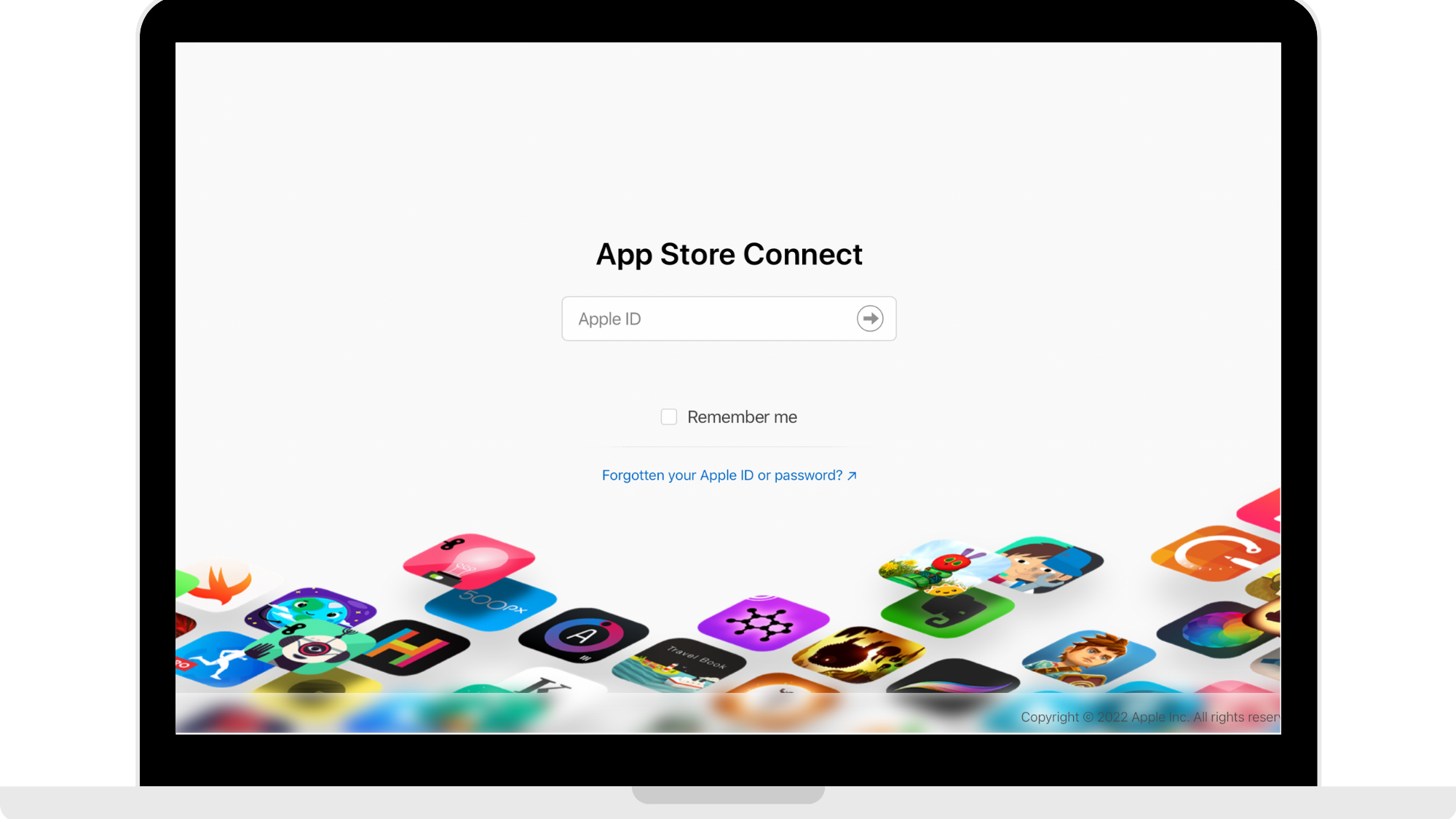
Step 1: Log into your App Store Connect
Head to https://appstoreconnect.apple.com and log in using your Apple Developer account.
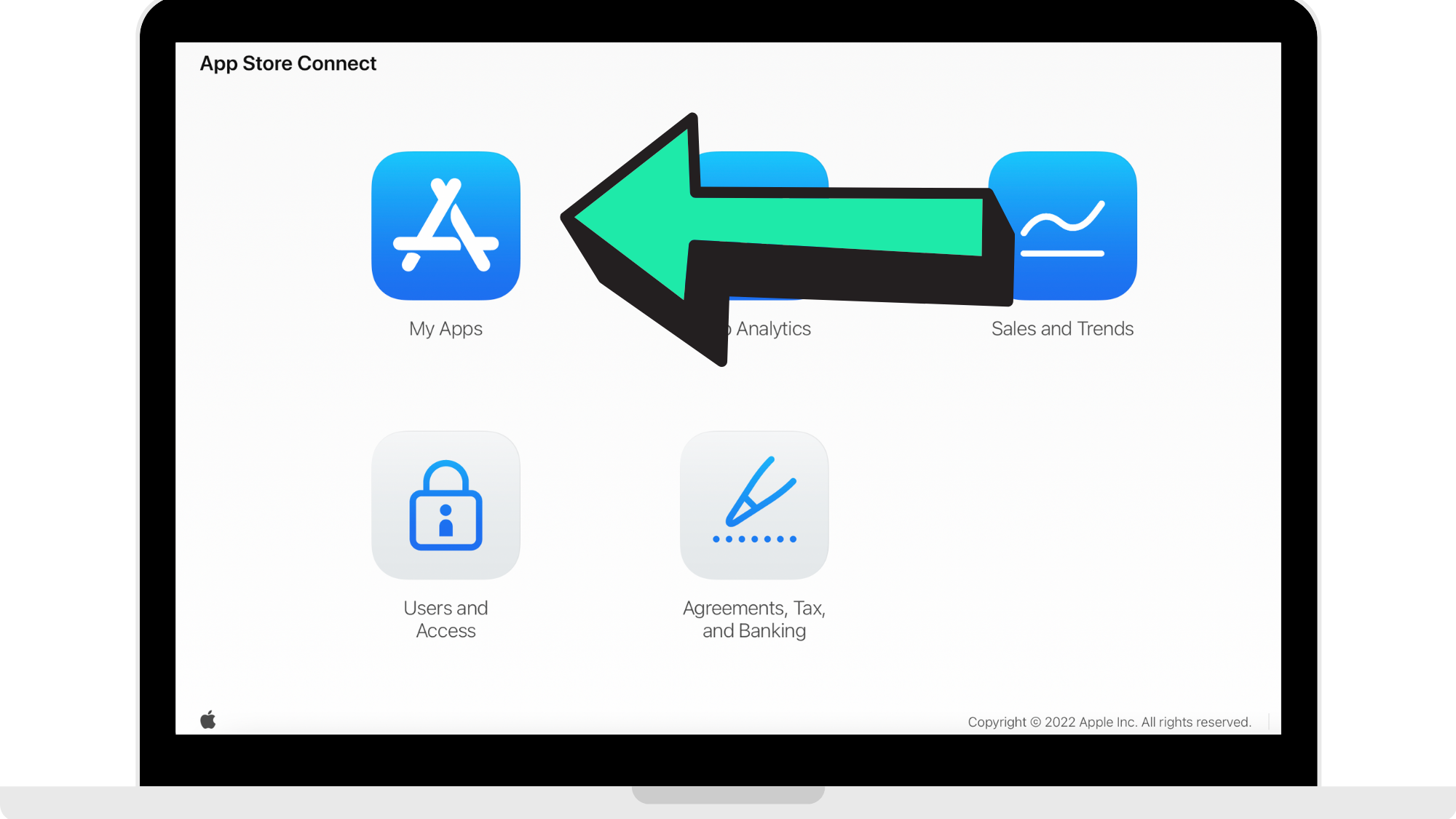
Step 2: Click 'My Apps'
Step 3: Paste your app description
Make sure that your app description in accordance with the App Store guidelines. Once you have your App Store description, paste it into the empty field.
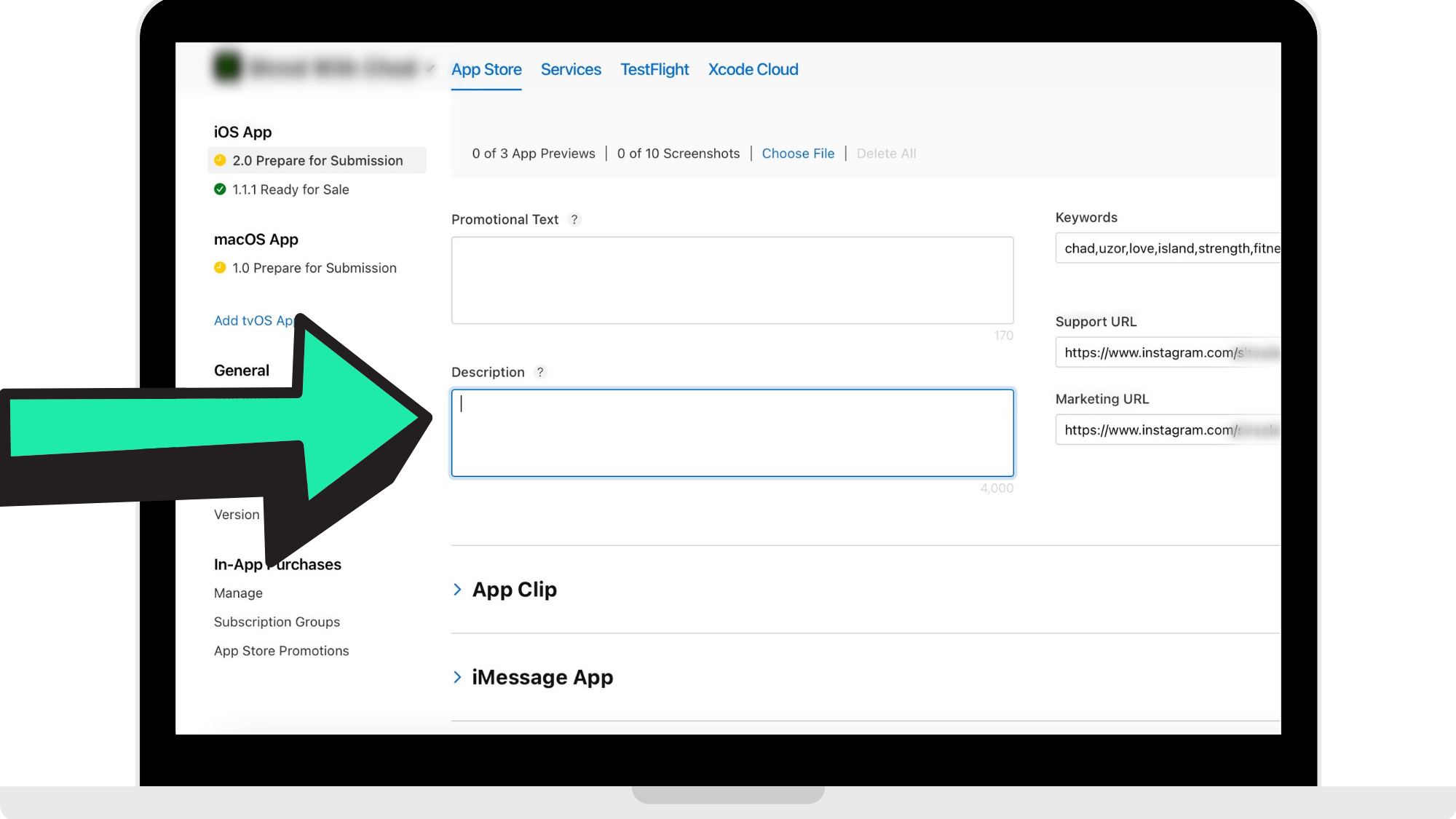
With the Apple store, you need to enter your Terms of Use in your App Description. Please read the guide on adding your Terms of Use here: https://hypeburst.zendesk.com/hc/en-gb/articles/4416399191697-Add-in-App-Terms-of-Use
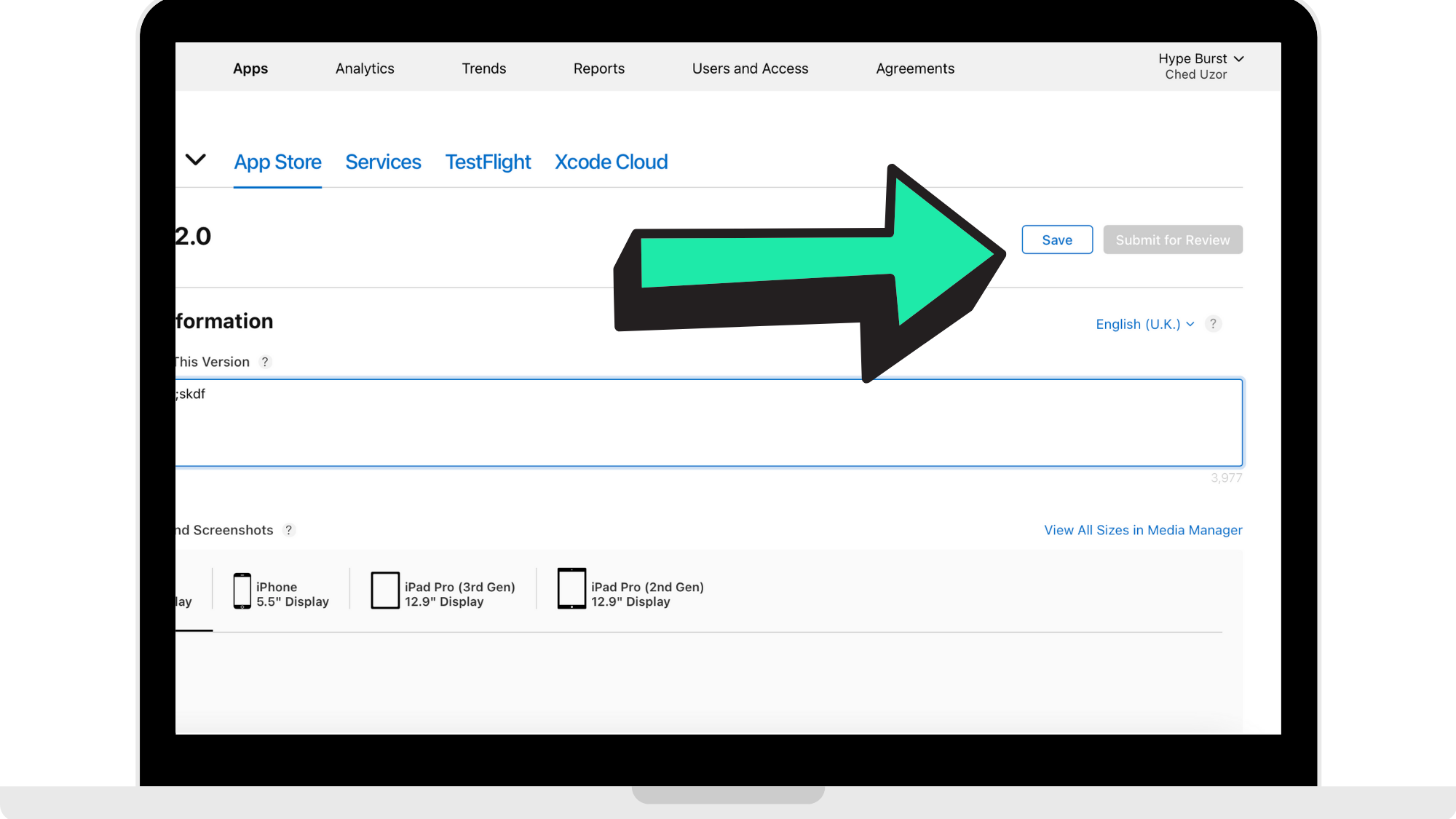
Step 4: Press 'Save'
Once you have pasted your App Store description, press 'Save'.
Once you have entered your description, you can add in your Keywords. Please read the guide on adding in Keywords here: https://hypeburst.zendesk.com/hc/en-gb/articles/4416405444753-Adding-Your-App-Description-
Adding App Description to Google Play
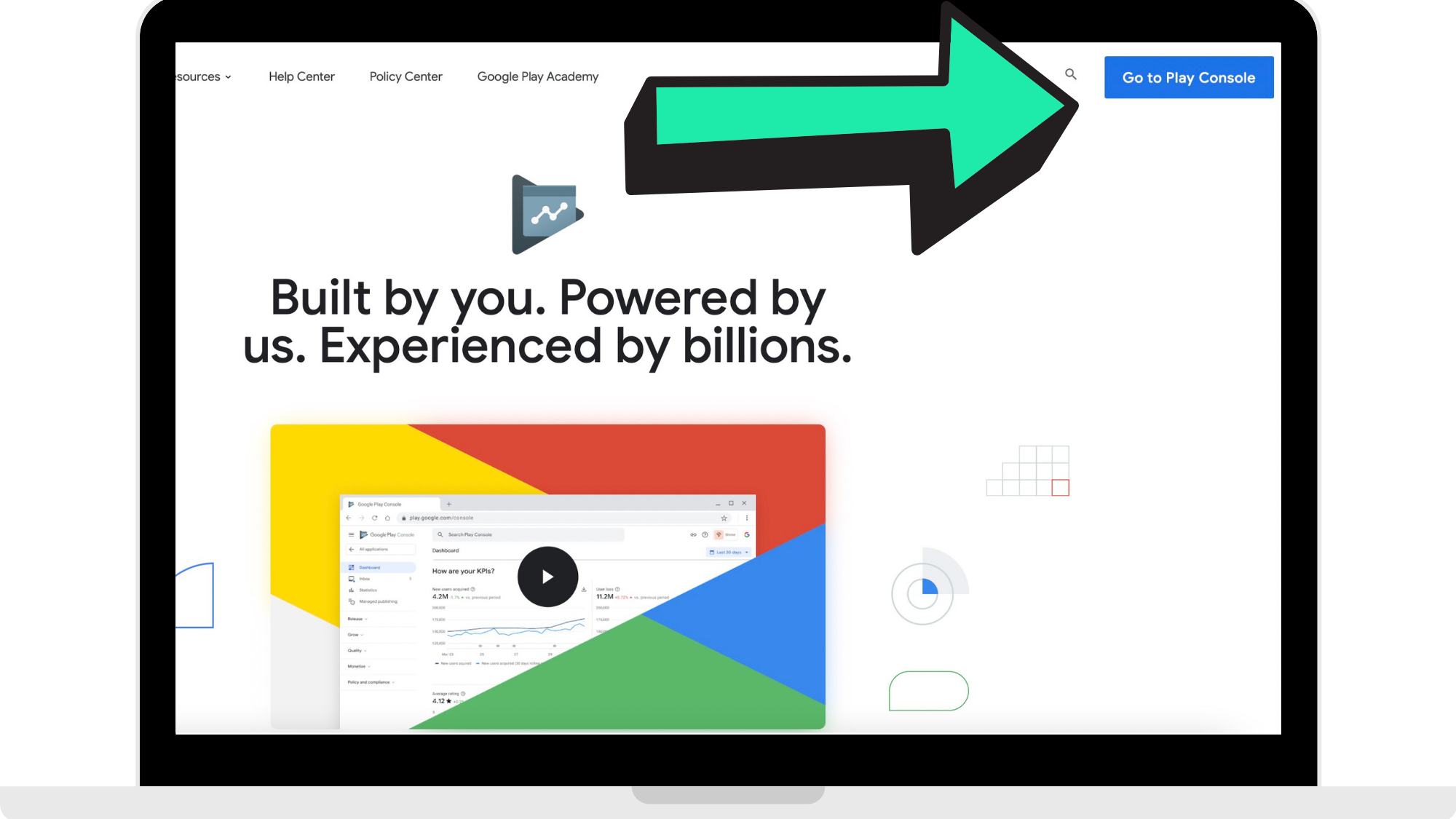
Step 1: Log into your Google Play Developer account
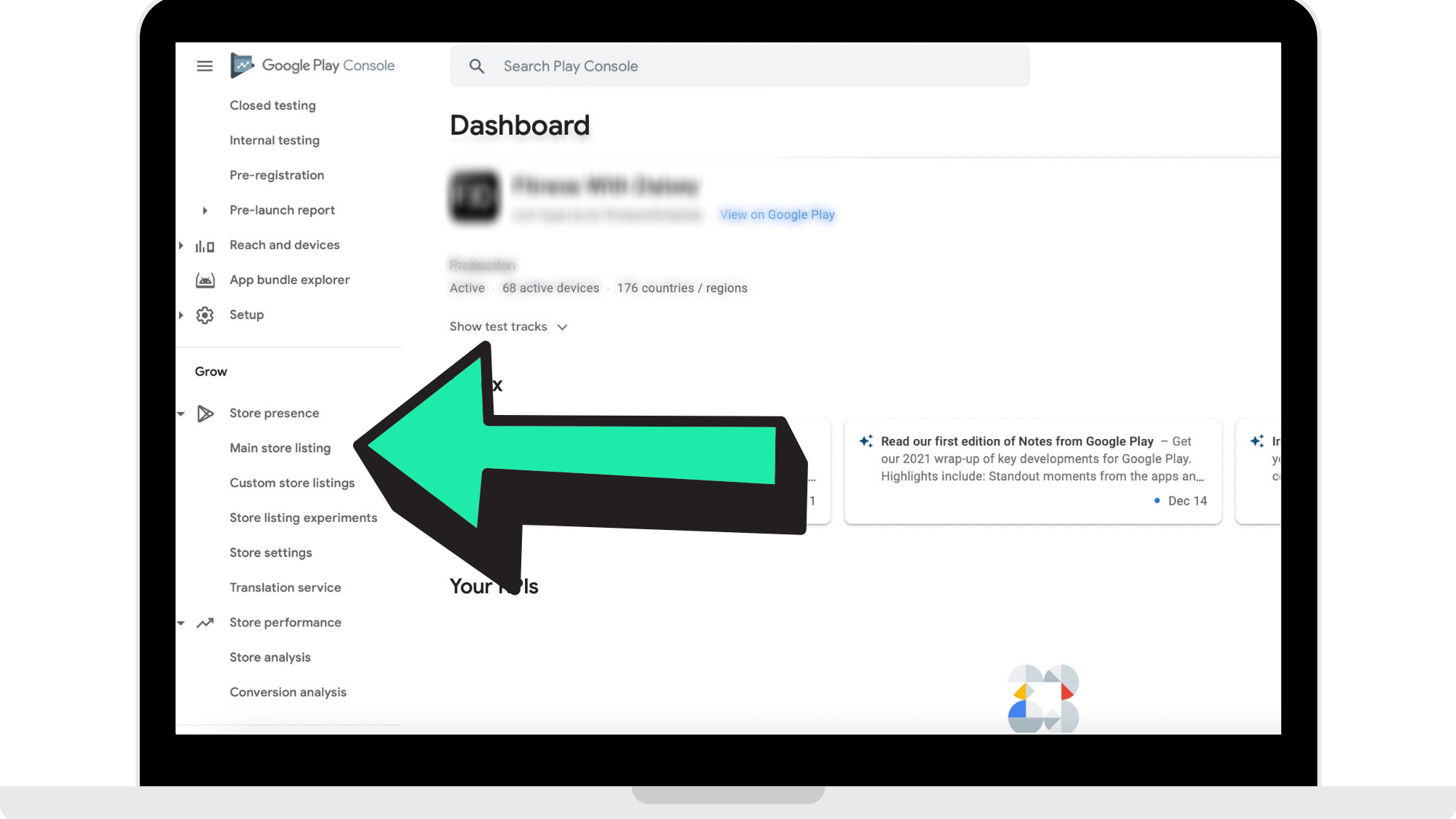
Step 2: Head to 'Main Store Listing'
From the menu on the left-hand side, click on 'Store Presence'. From the drop-down menu, click on 'Main Store Listing'.
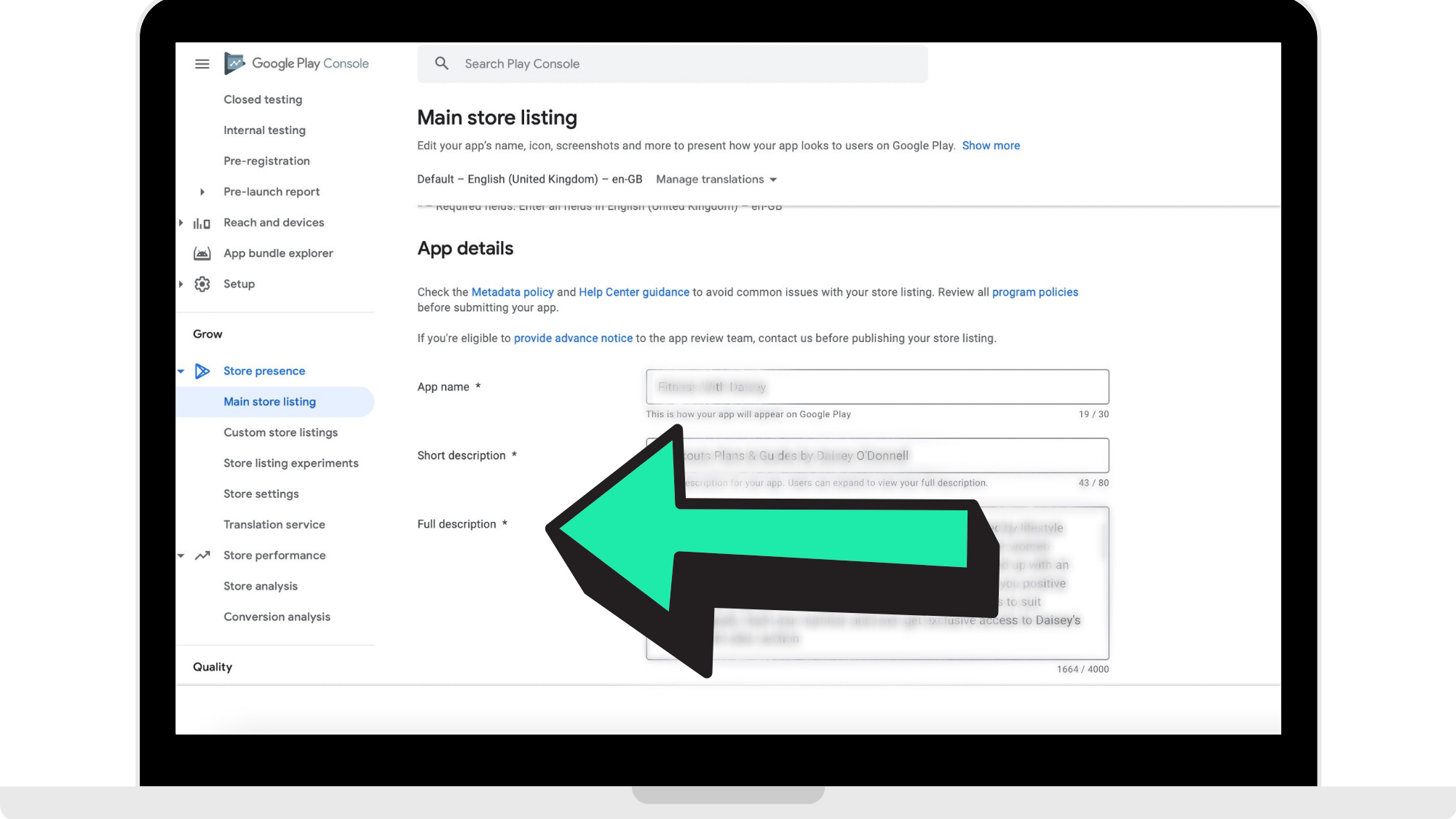
Step 3: Paste your app description
Make sure that your app description in accordance with the App Store guidelines. Once you have your App Store description, paste it into the empty field.
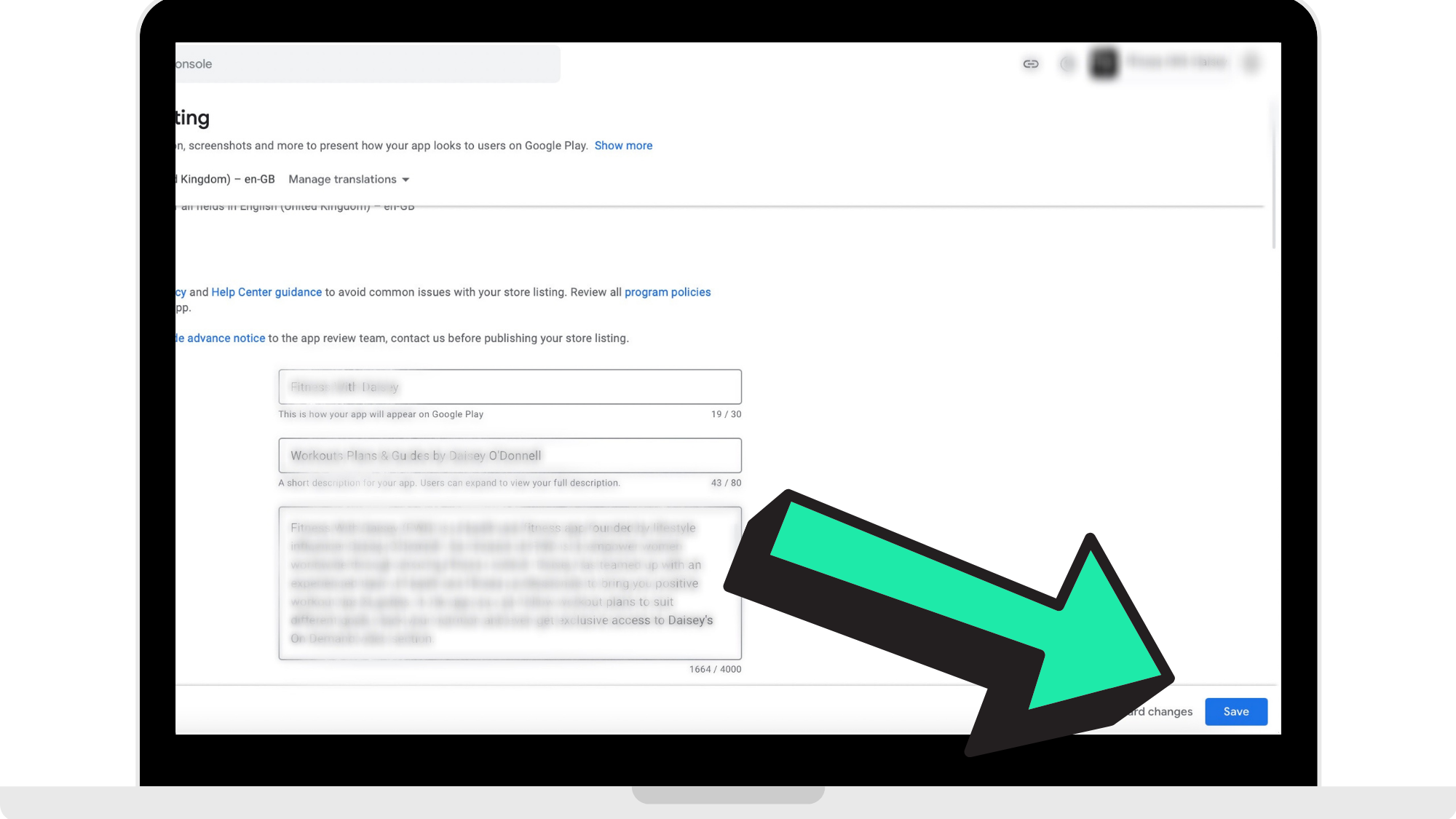
Step 4: Press 'Save'
How to get started
Head to https://appstoreconnect.apple.com and log in using your Apple Developer account to start insert your App Store description.
Once you have completed that, head to https://play.google.com/console/ to log into your Google Developer account to insert your Google Play description.
Comments
0 comments
Please sign in to leave a comment.