
Apple App Store allow you to input keywords (up to 100 characters) to help people discover your app for specific search terms.
This feature is not available on the Google Play Store.
Adding Keywords in App Store Connect
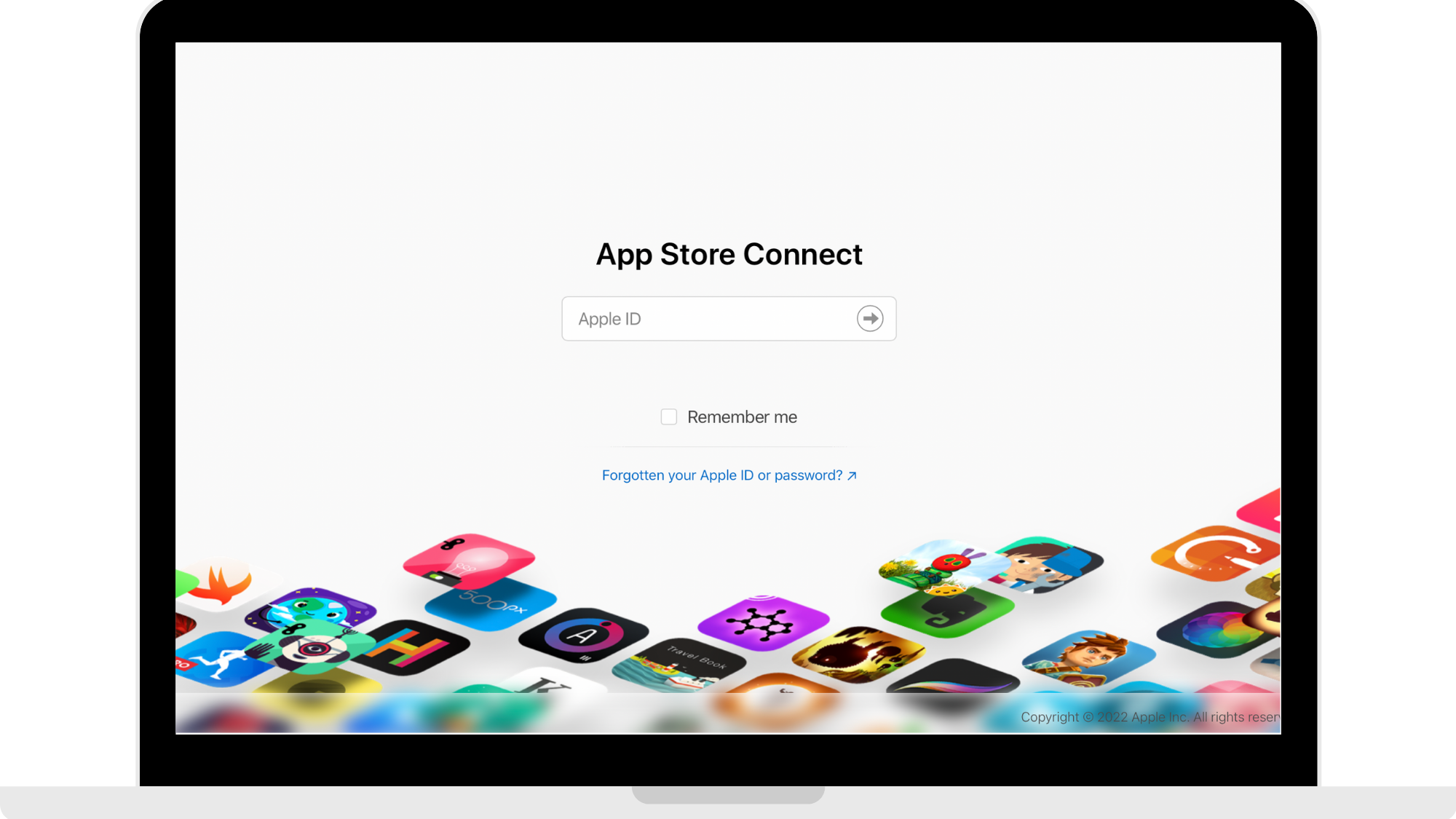
Step 1: Log into your App Store Connect
Head to https://appstoreconnect.apple.com and log in using your Apple Developer account.
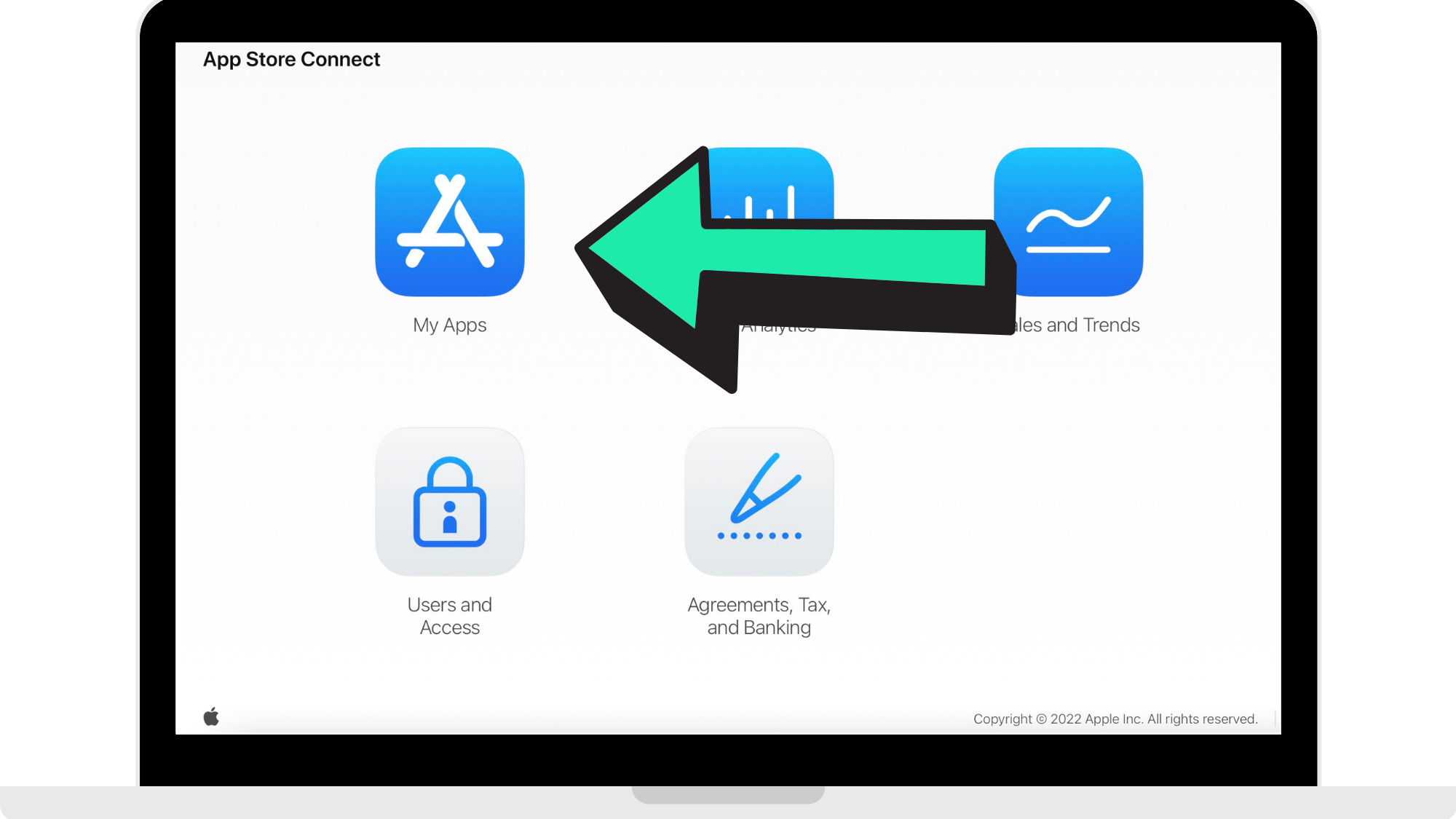
Step 2: Click 'My Apps'
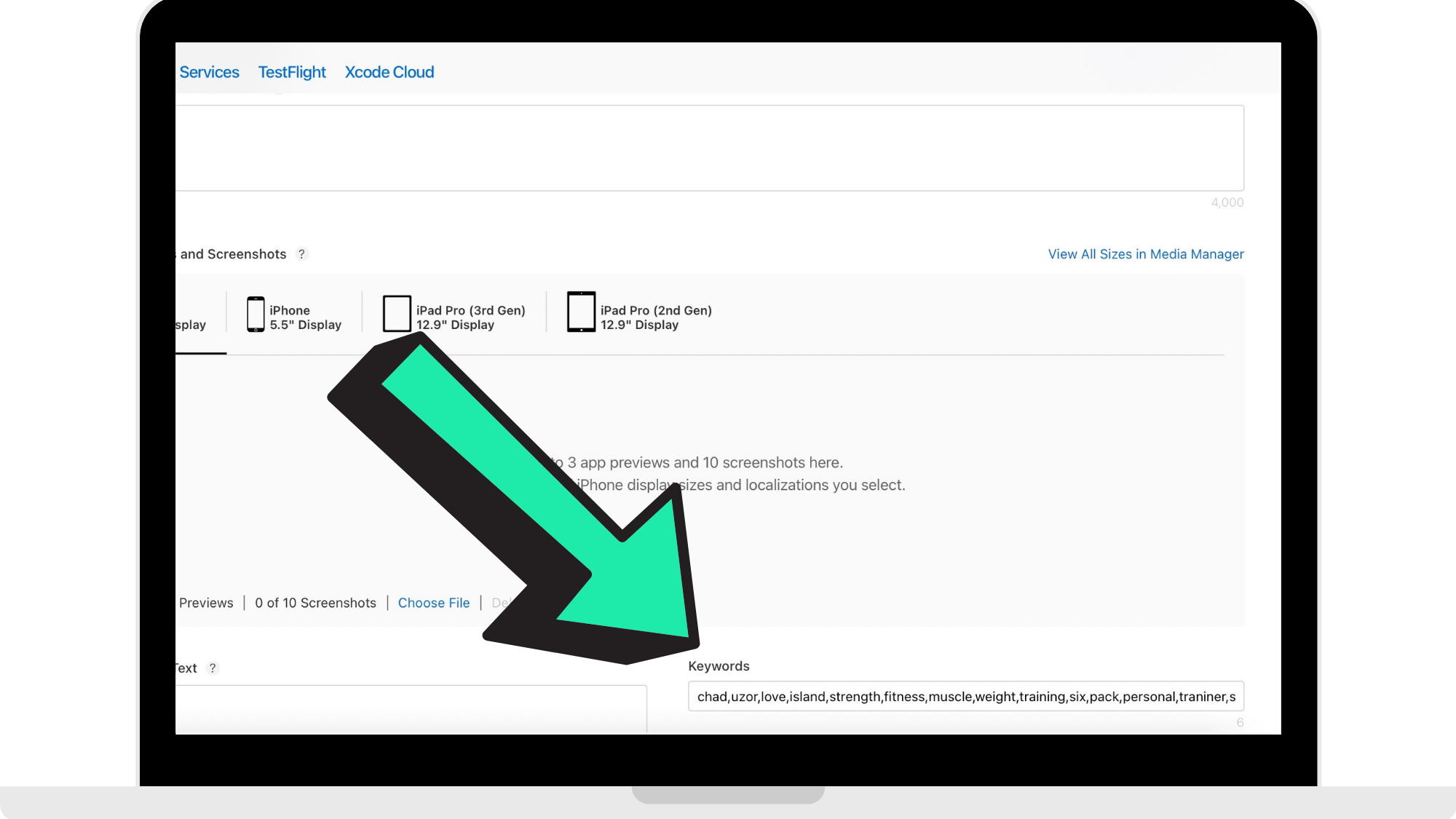
Step 3: Enter App Keywords
Add in your keywords here, separating them with commas as seen in the reference picture below.
For the App Store Guide, click here: https://developer.apple.com/app-store/search/.
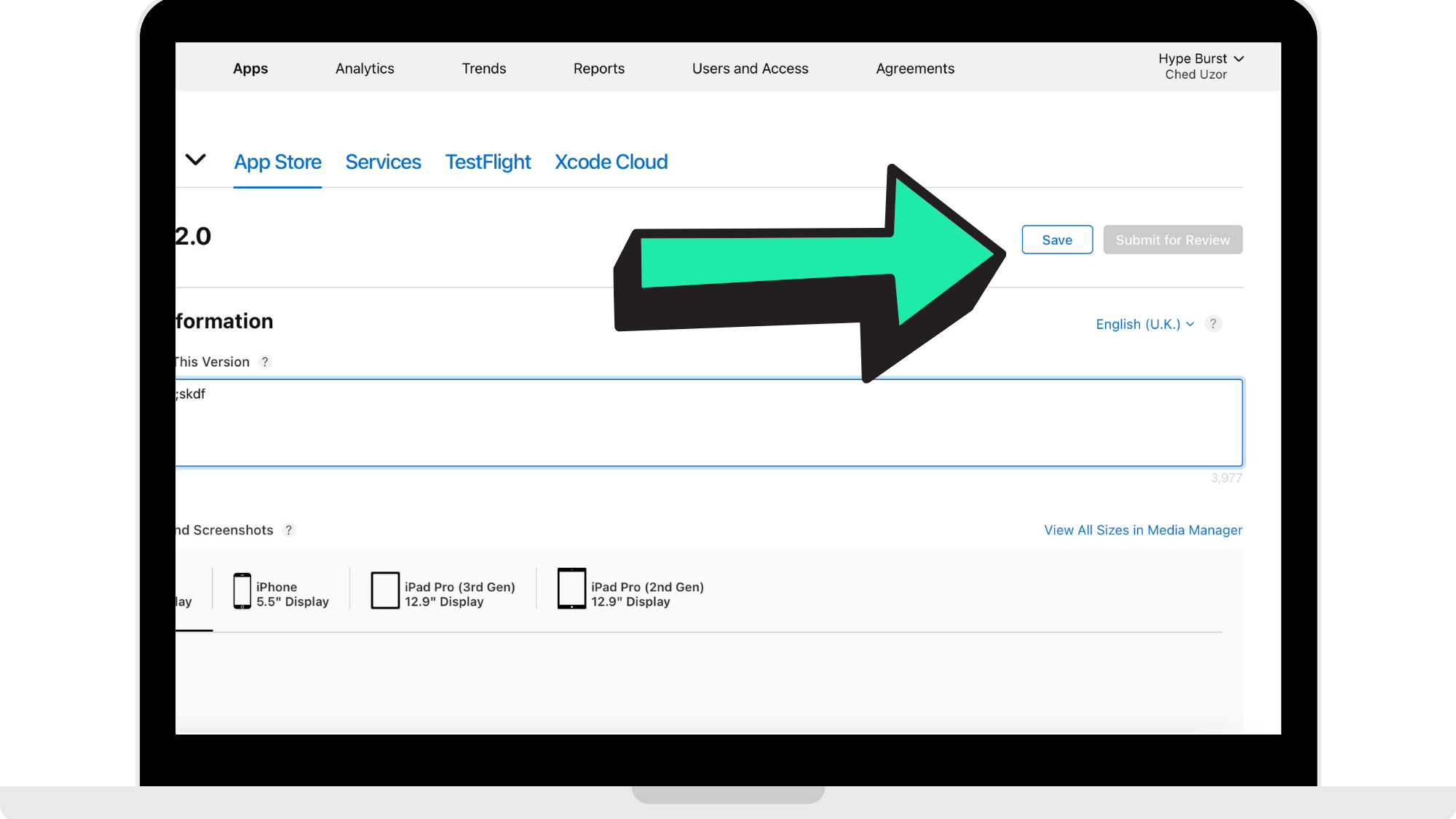
Step 4: Click 'Save'
Once you have entered in your keywords, click 'Save'.
How to get started
Head to https://appstoreconnect.apple.com and log in using your Apple Developer account to start uploading your Apple Store keywords.
Comments
0 comments
Please sign in to leave a comment.