
To publish your app, App Stores require a Support email to direct customers. This email address will also receive support requests made from users in the app.
Add in your Support URL
If you have not yet entered in your Marketing URL, please read the guide on how to enter your Marketing URL here: https://hypeburst.zendesk.com/hc/en-gb/articles/4416399117457-Add-In-Your-Marketing-URL
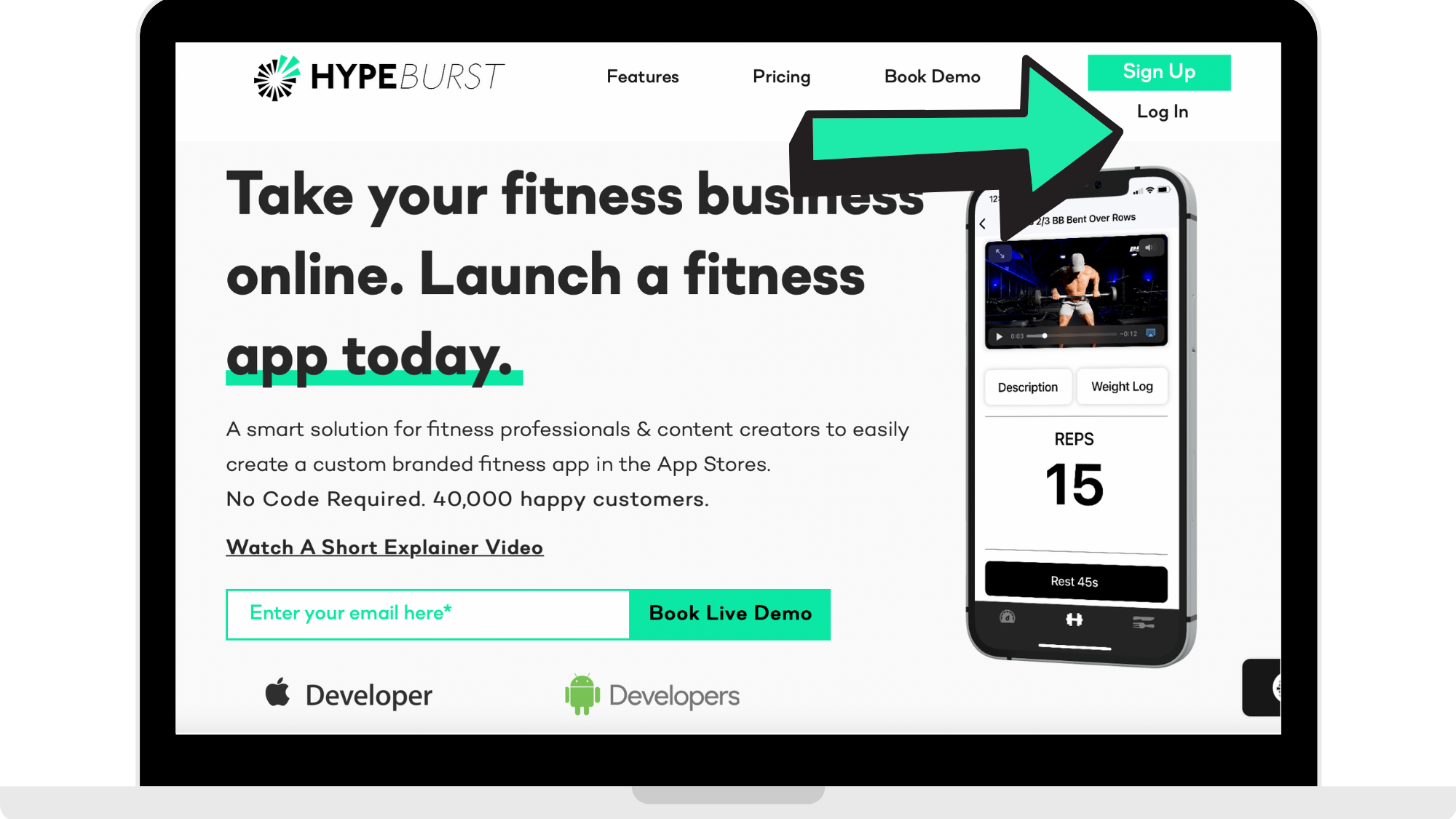
Step 1: Log into your Hype Burst Dashboard
Log into the Hype Burst dashboard at https://account.hype-burst.com/admin/login to log into your Hype Burst account.
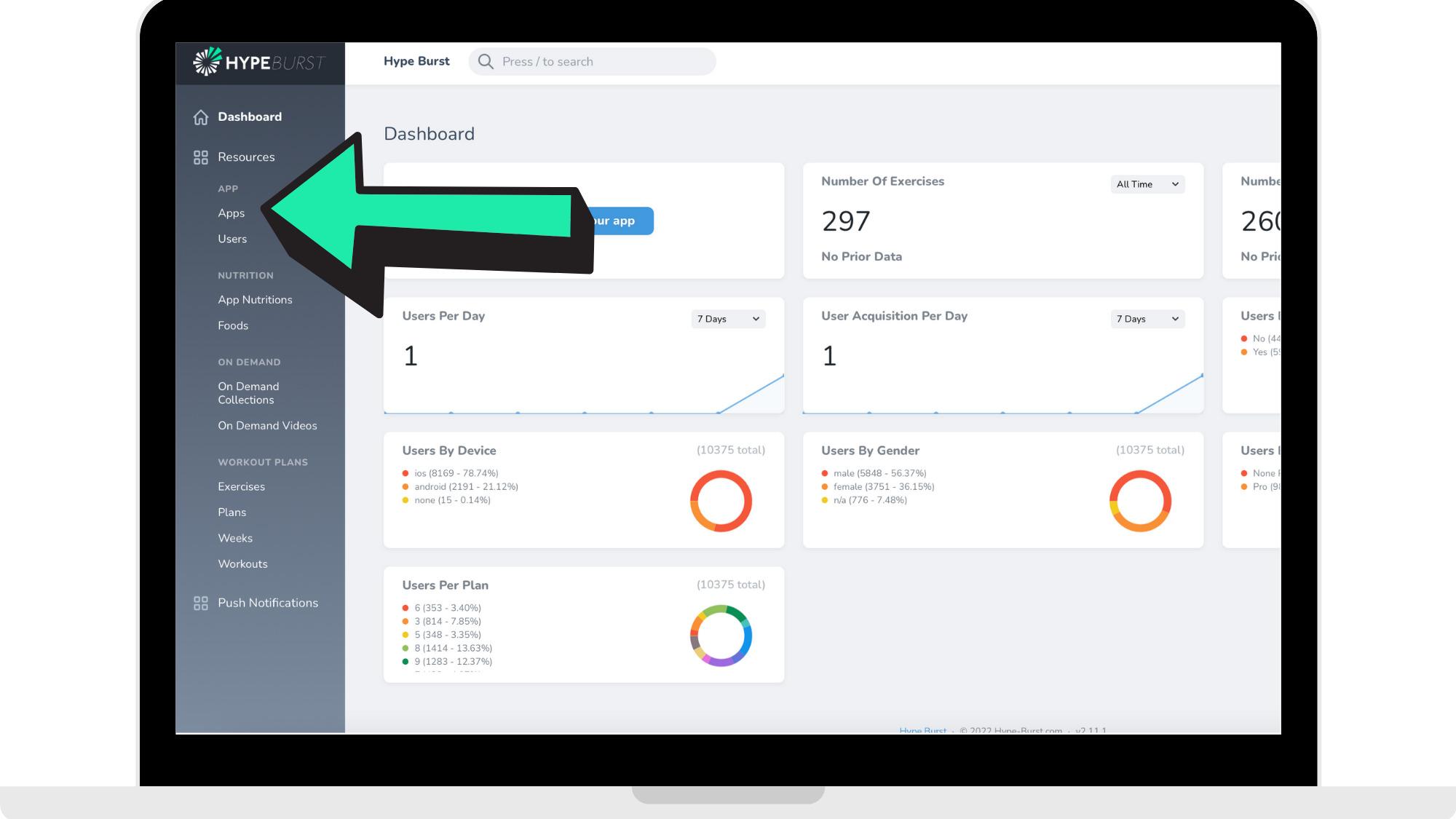
Step 2: Click 'Apps'
In the left-hand side panel, click on 'Apps'.
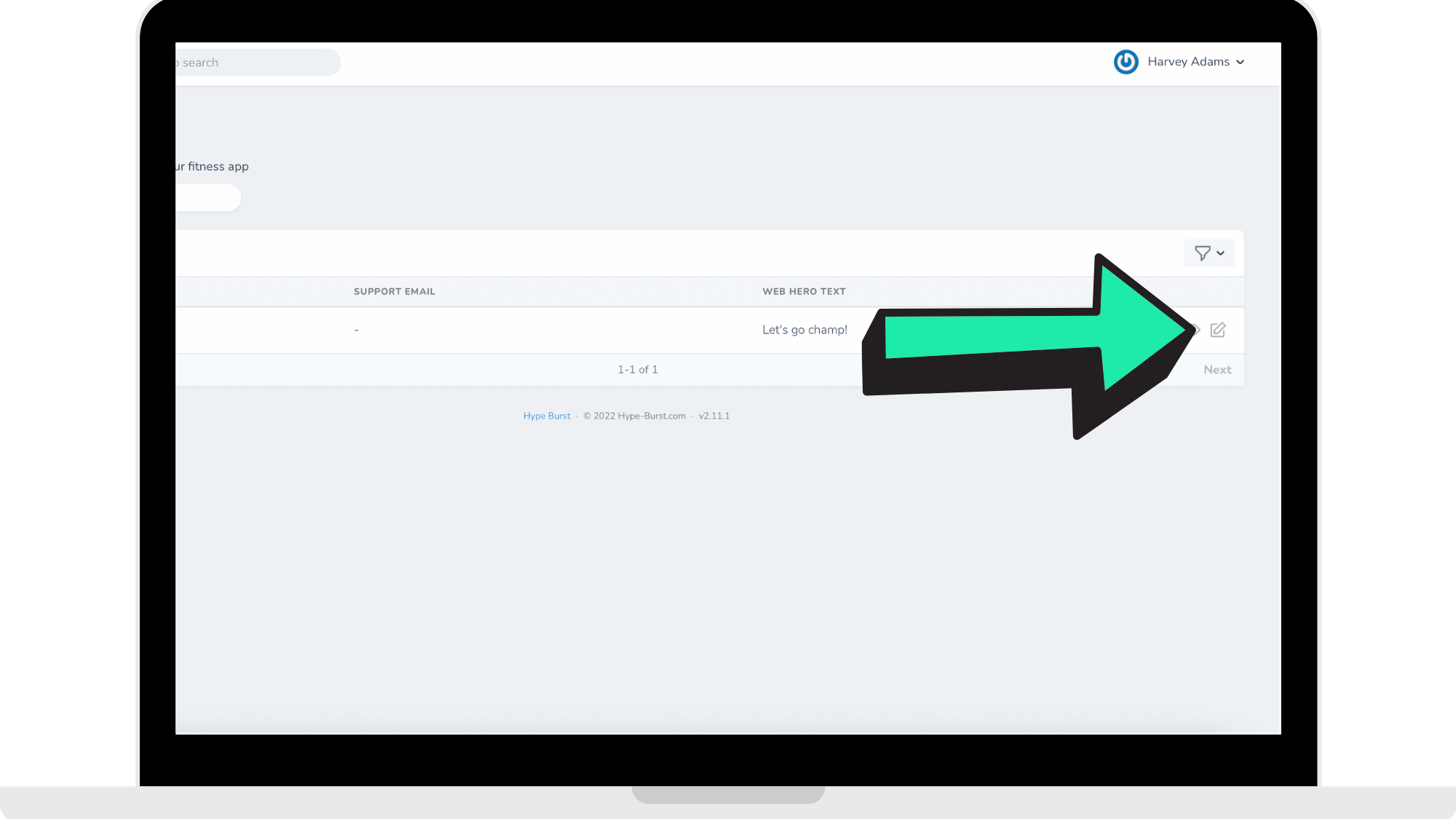
Step 3: Click the 'Edit' icon
Next to your app, click on the 'Edit' icon.
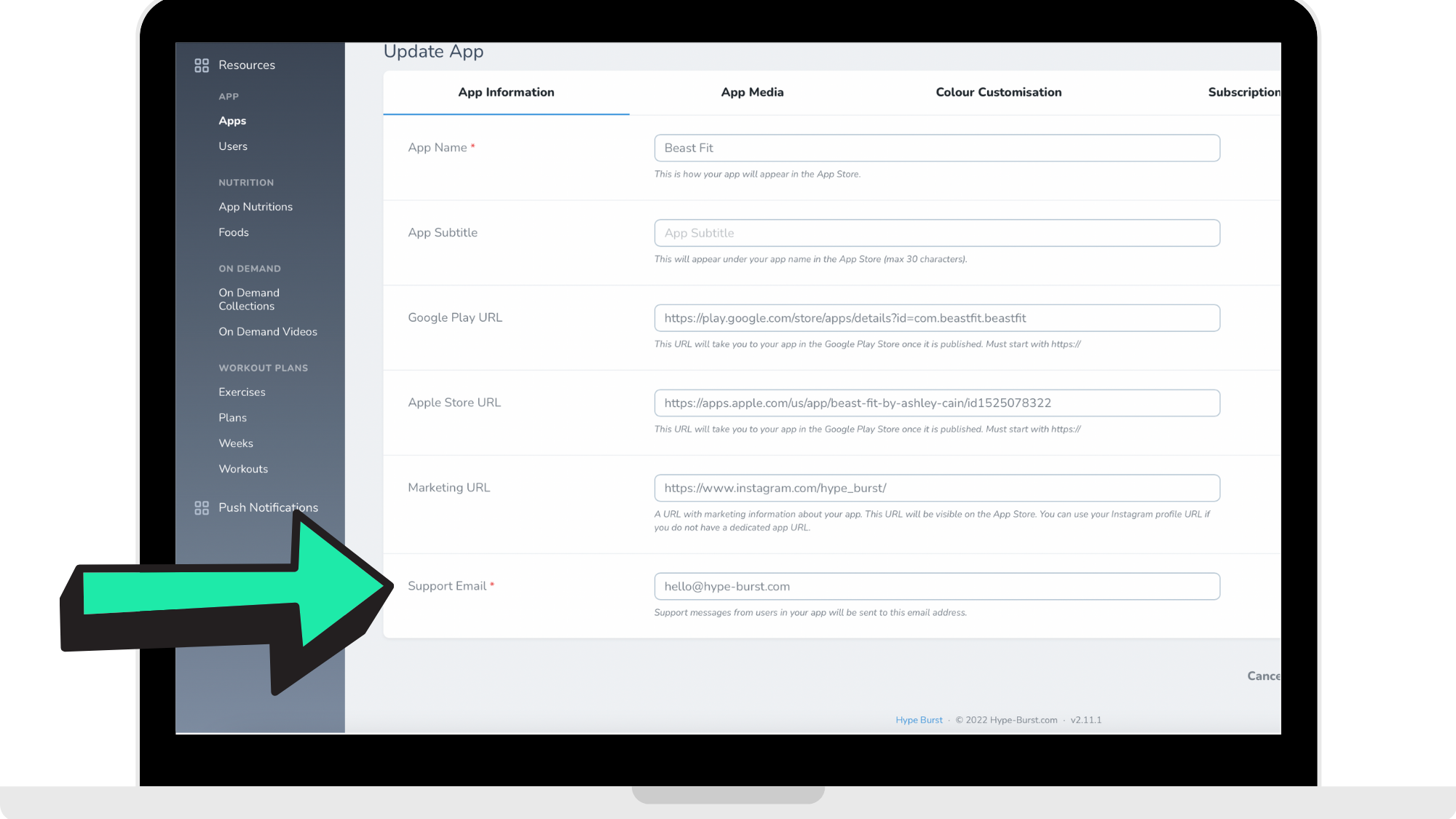
Step 4: Enter in your 'Support URL'
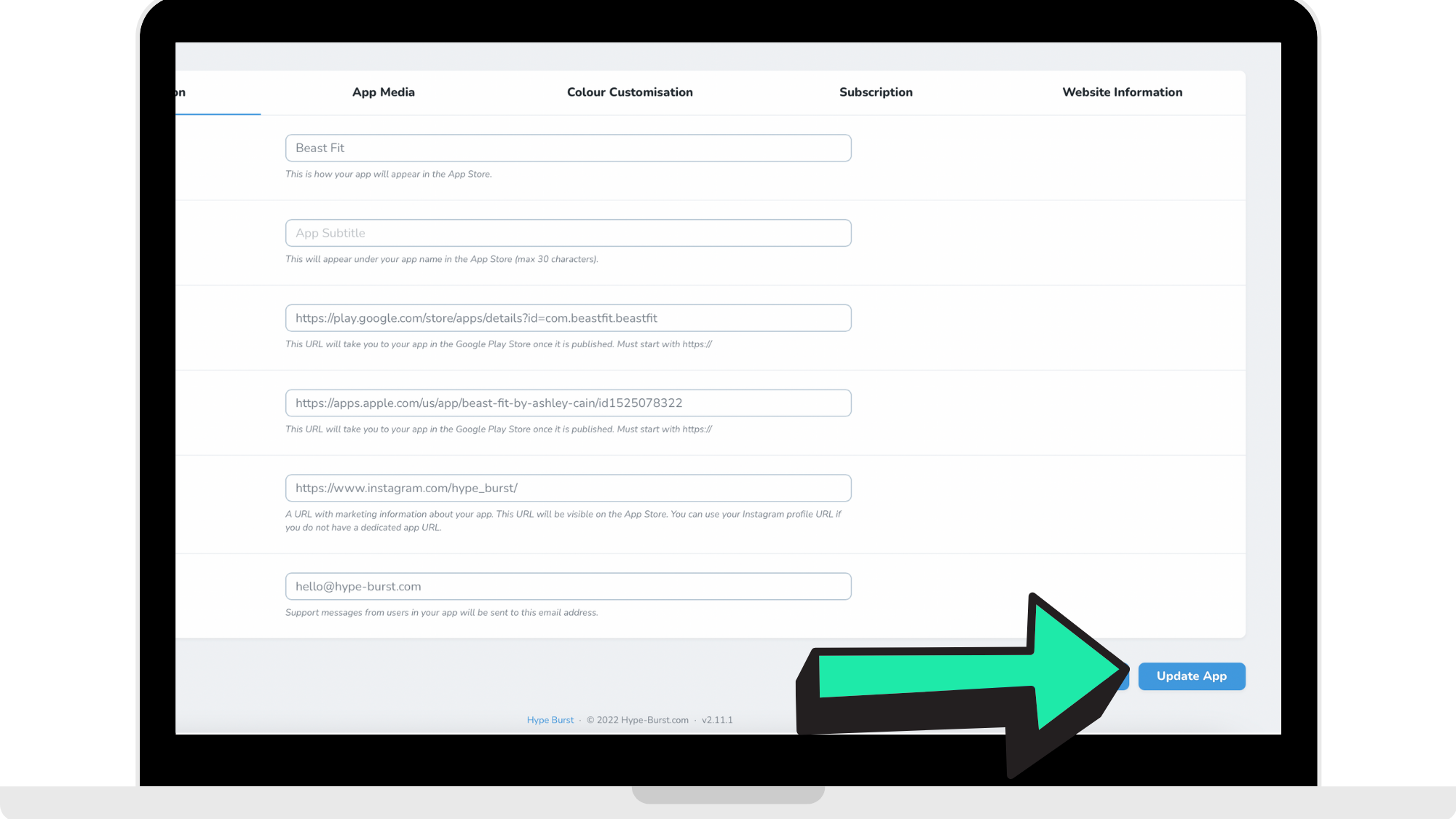
Under 'App Information', scroll down to 'Support URL'. Enter in your email that will be used as a support email.
Step 5: Click 'Update App'
Once you have entered in your support URL which is an email, click 'Update App' in the bottom corner of the page.
How to get started
Log into the Hype Burst dashboard at https://account.hype-burst.com/admin/login to enter in your support URL in your Hype Burst account.
Comments
0 comments
Please sign in to leave a comment.