
You can upload video files to the Hype Burst dashboard in 2 different ways: direct through the Hype Burst Dashboard, and through Vimeo. To upload videos via Vimeo, you must first create an account.
Steps in creating a Vimeo account
Step 1: Head to Vimeo
Head to https://vimeo.com to create your Vimeo account.
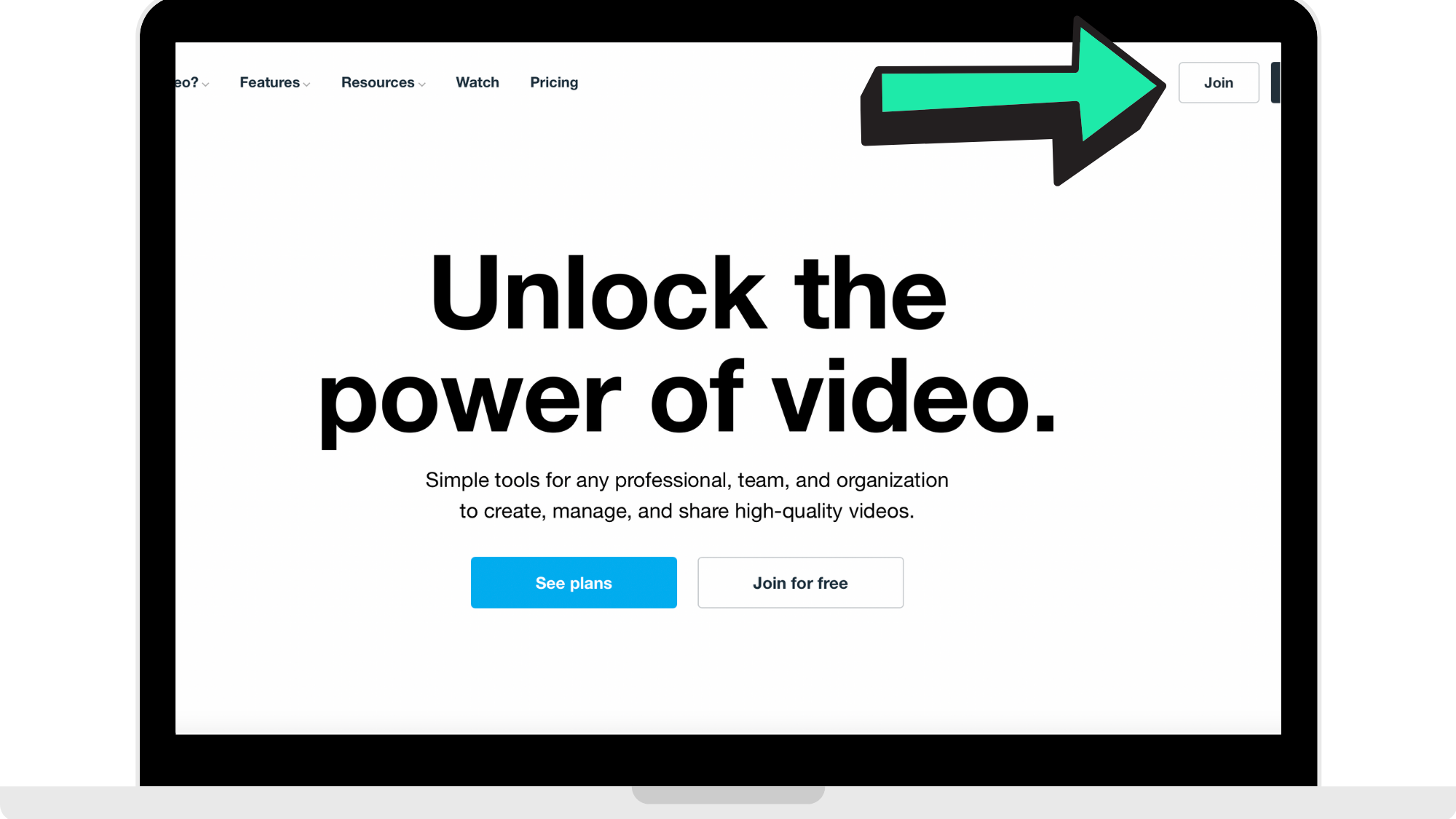
Step 2: Create your Vimeo account
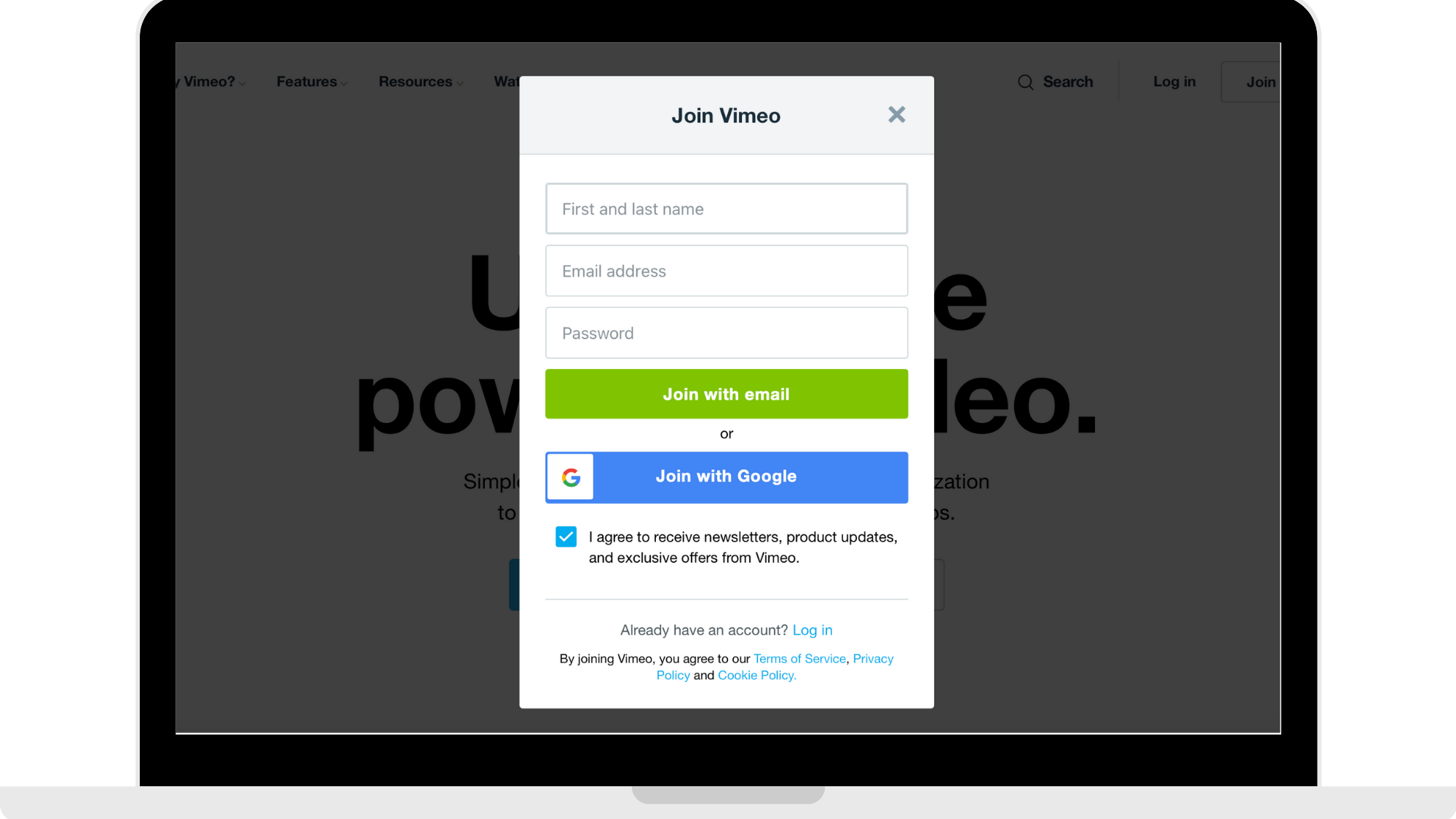
You can either sign up manually or sign up through google. Fill out the fields and then click to join.
Step 3: Select your reasons for joining (Optional)
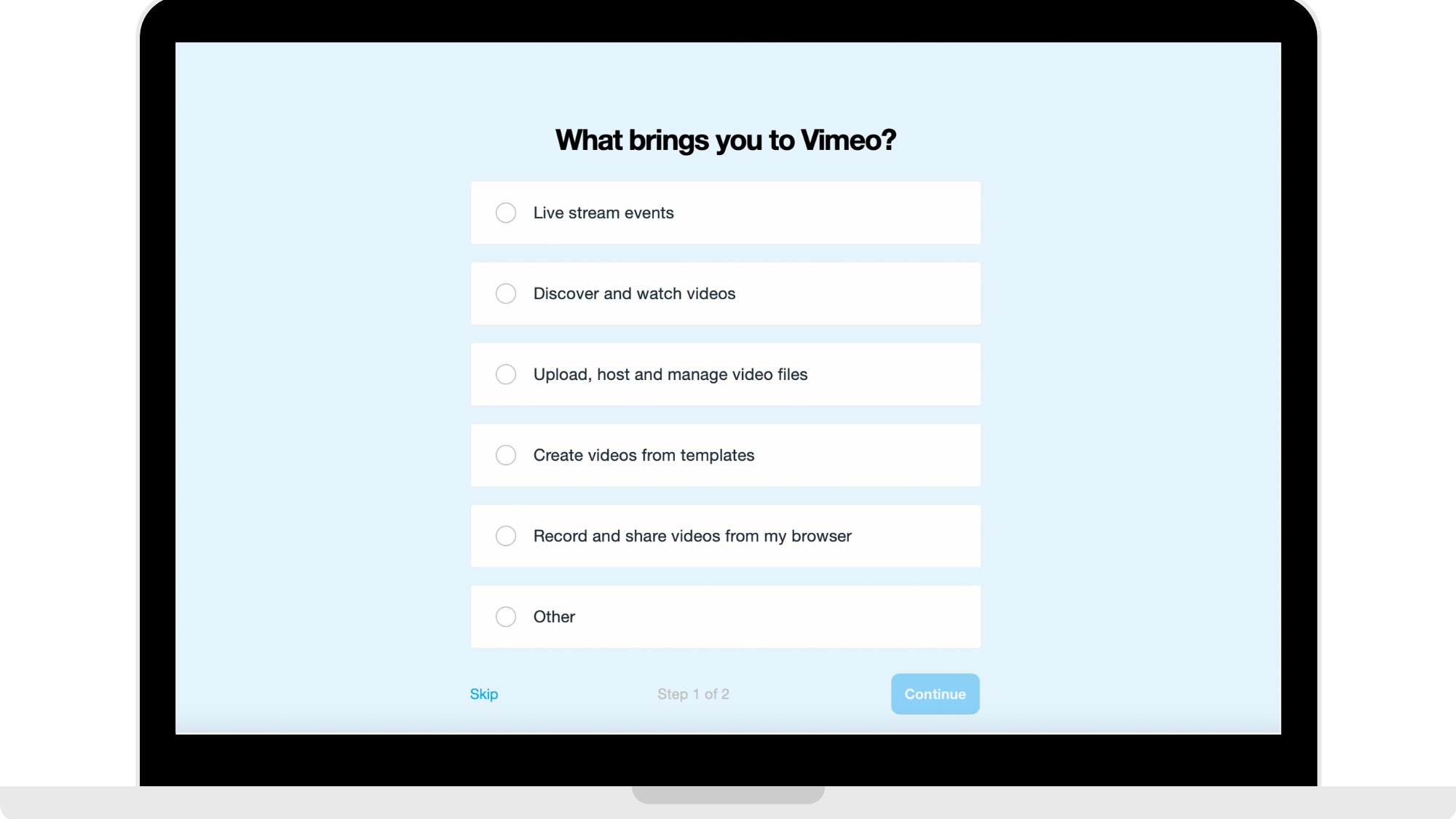
You can skip this step as it is optional but it helps Vimeo with understanding why you are making an account. It is just 2 pages.
Step 4: Choose if you wish to upgrade your account (Optional)
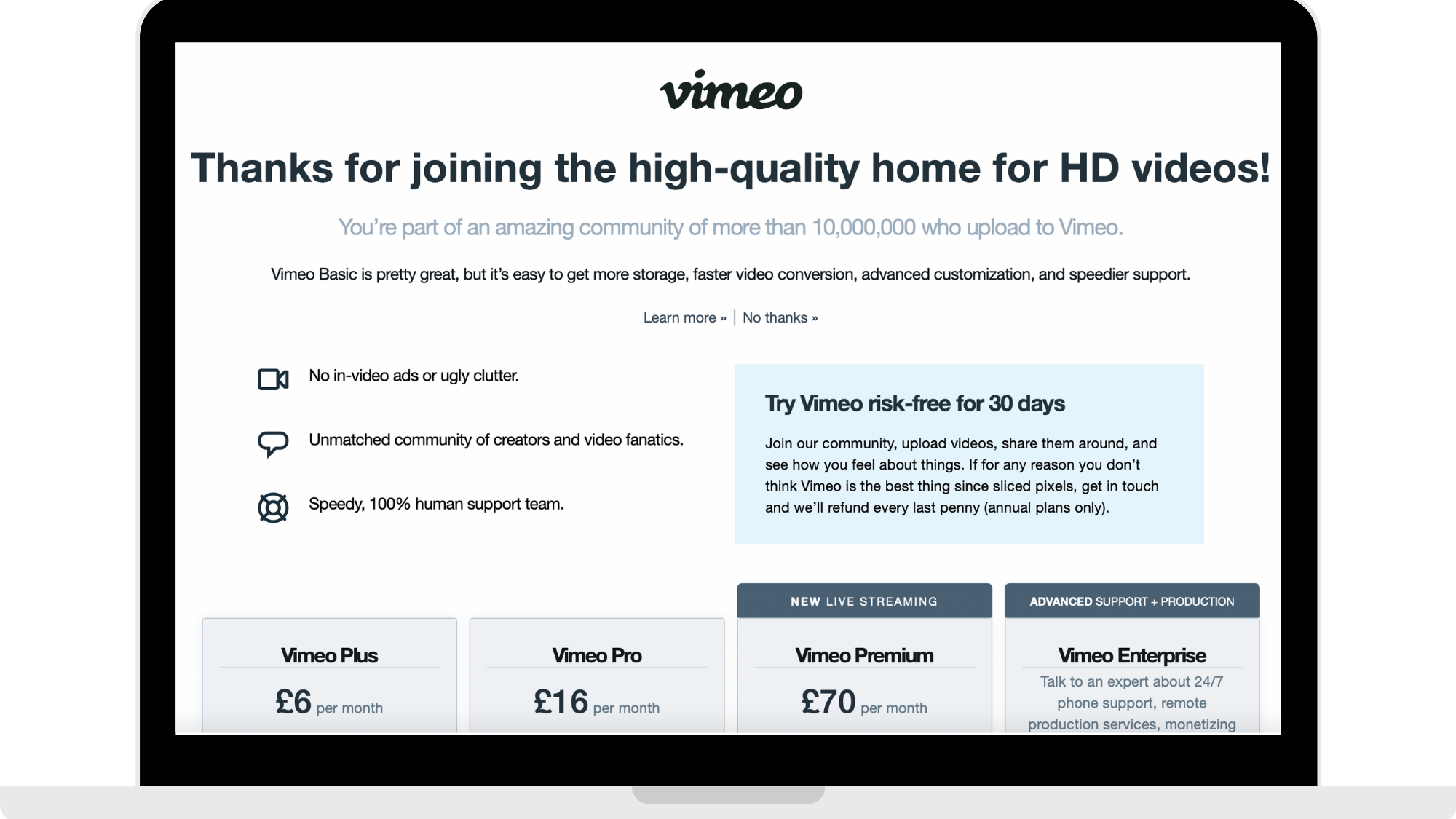
When you sign up to Vimeo you are automatically signed up to 'Vimeo Basic'. Vimeo Basic is free and is good for individuals who are not uploading a lot of HD videos weekly.
To read more about the pricing plans and which one (if any) is suited best towards you, you can click here: ps://vimeo.com/upgrade.
How to get started
Head to https://vimeo.com to create your Vimeo account in 4 simple steps!
Comments
0 comments
Please sign in to leave a comment.