
In order to accept payments for subscriptions via your web sign up page, you need to have a Stripe account. This will allow you to automatically get paid every time someone purchases a monthly or yearly subscription through your Hype Burst fitness account.
With Stripe, you are able to see active subscriptions for the 'Products' which are the subscriptions you create. This is only available to those who signed up through your website signup page.
To read more about how Web Subscriptions work, click here.
Steps in checking active customers
You should make sure you have your Stripe account set up. If you haven't done this step, please read the full support article here: https://hypeburst.zendesk.com/hc/en-gb/articles/4415857788049-Create-Stripe-Account-.
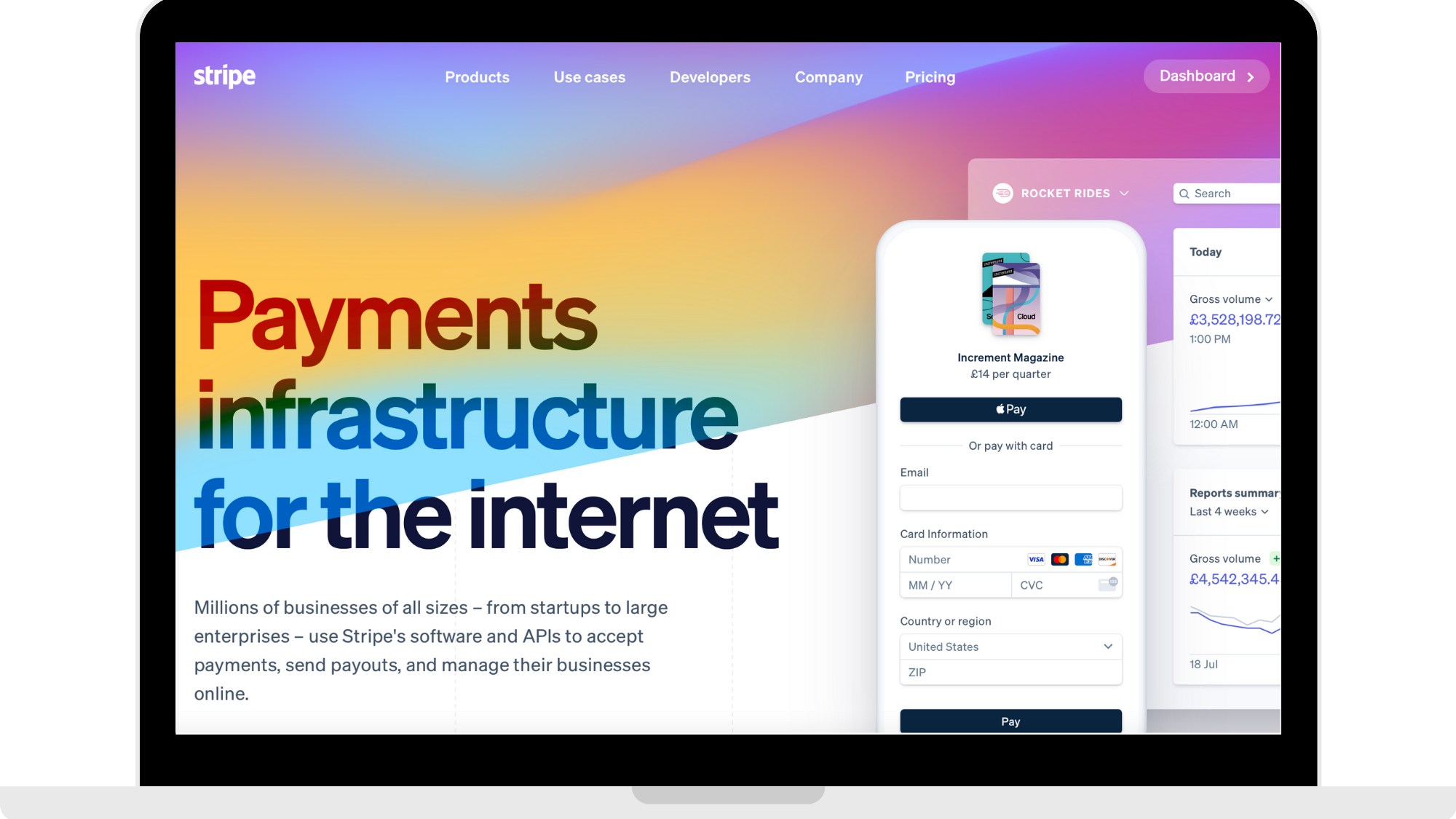
Step 1: Log into your Stripe account
Head to https://dashboard.stripe.com to log into your Stripe account.
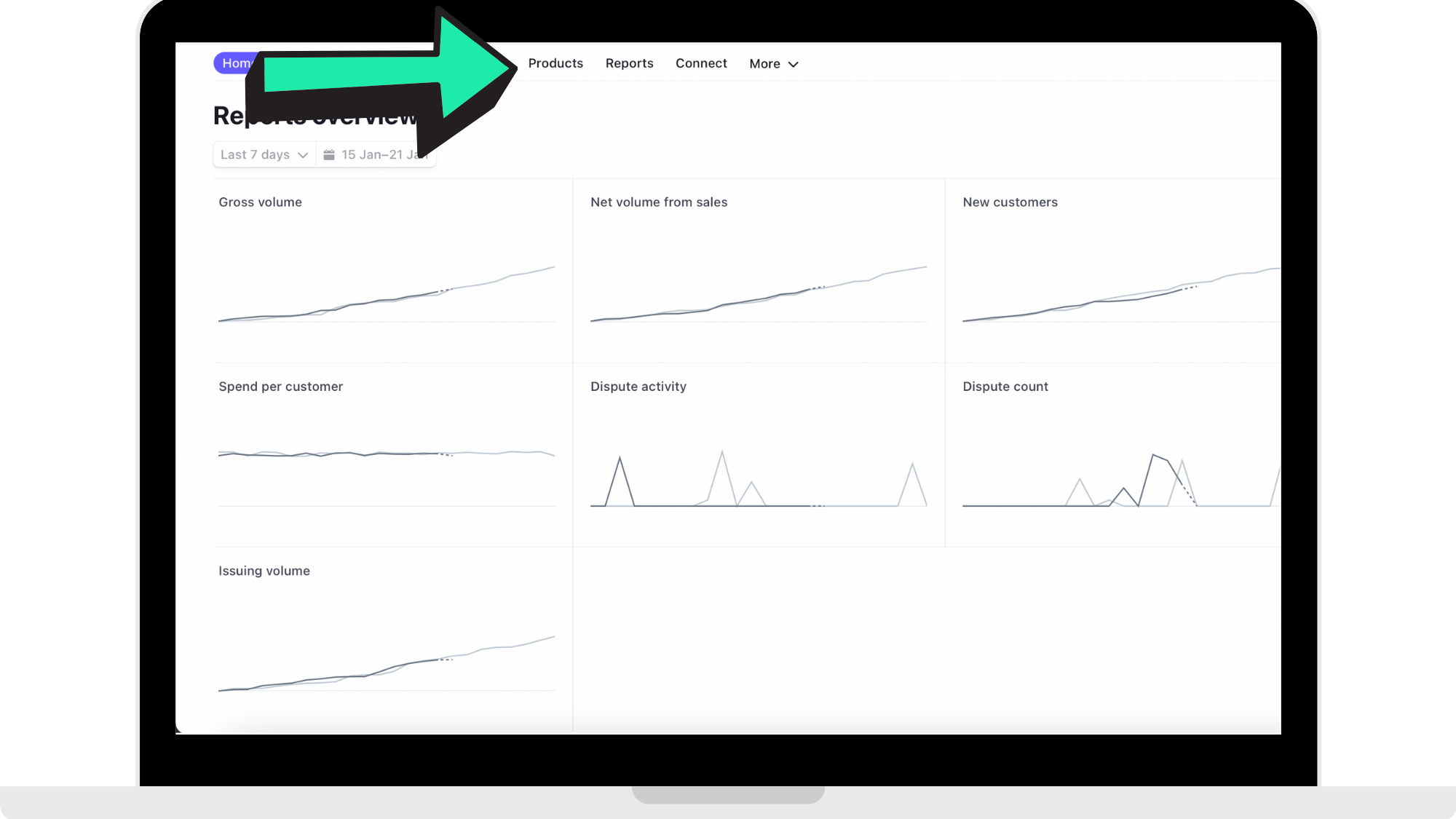
Step 2: Click 'Products'
In the panel along the top of your Dashboard that you land on when logging in, click 'Products'.
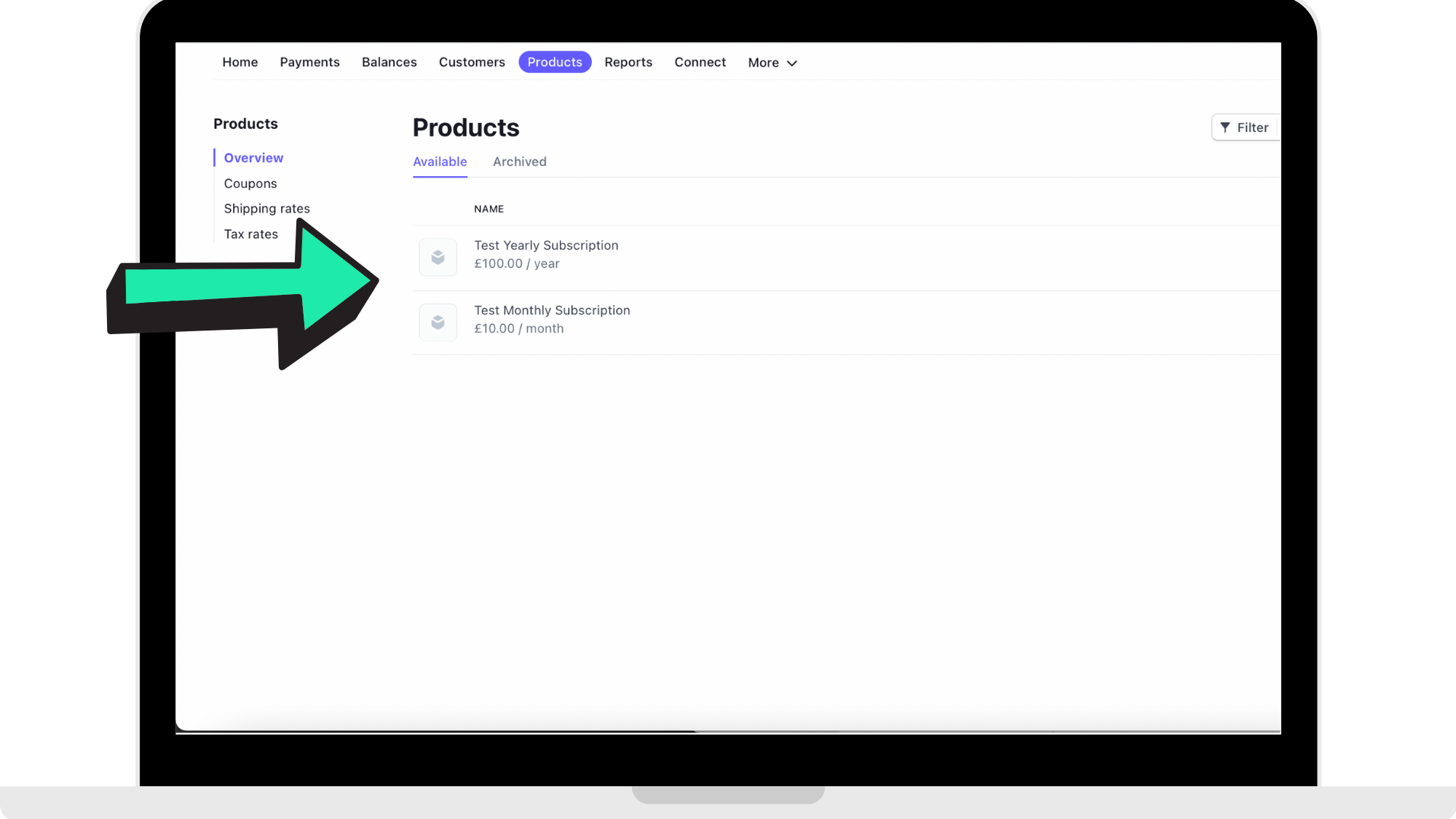
Step 3: Click on the 'Product' you want to check
You will be on the page where you created your Monthly Subscription Product and your Yearly Subscription Product. Select the one you want to check to see active customers.
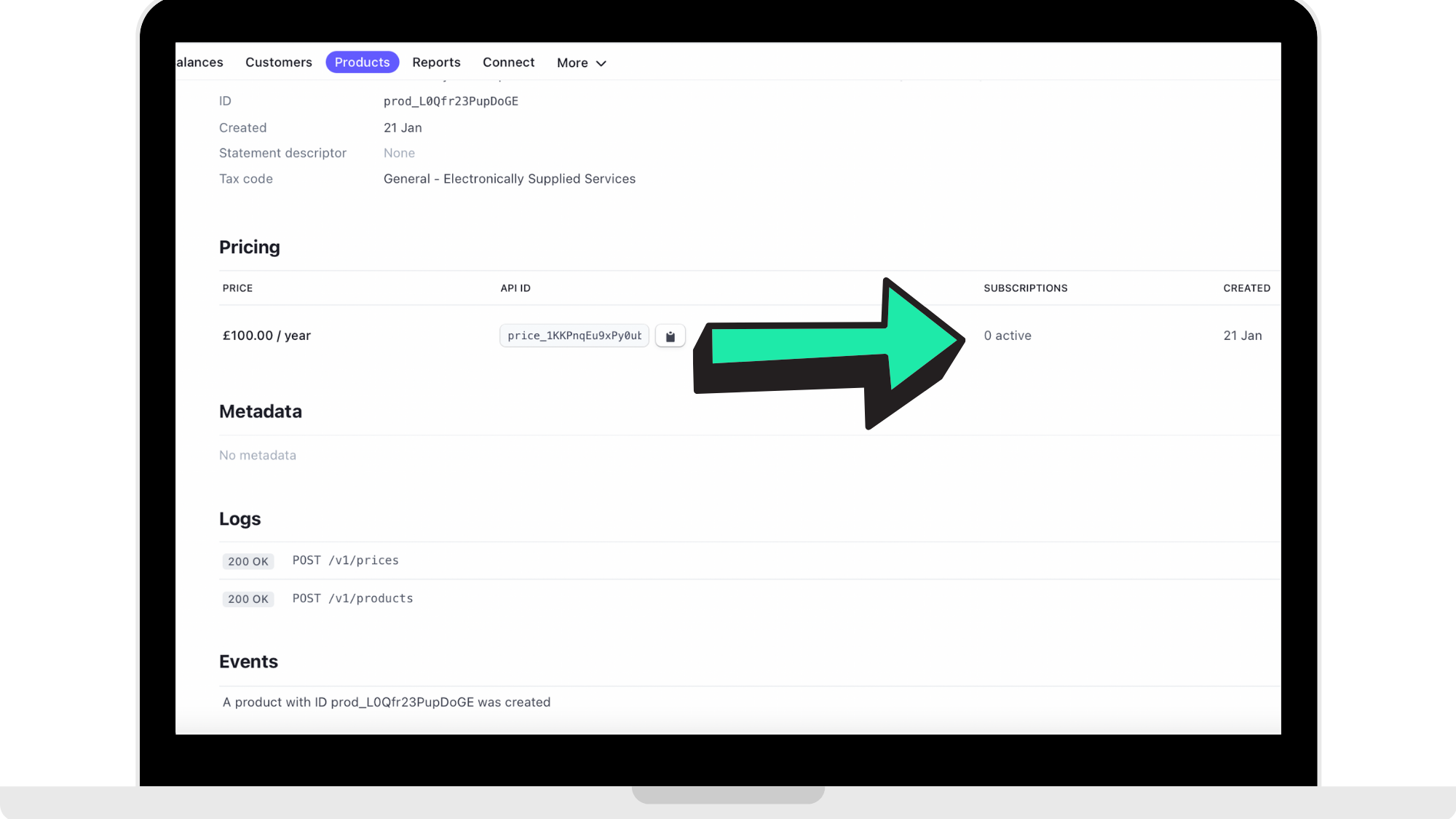
Step 4: Go under 'Pricing' to check active users
Under 'Pricing' you are able to see how many active customers there are in that 'Product'. You are able to repeat these steps to check another 'Product'.
How to get started
Head to https://dashboard.stripe.com to log into your Stripe account. Once you are logged in, head to your 'Payments' page to view your active customers.
Comments
0 comments
Please sign in to leave a comment.